
表格
Grouping rows
简介
你可以允许用户使用通用属性将表格行分组。这对于以更有条理的方式显示大量数据非常有用。
你可以使用要分组的属性名称(例如,'status')或 Group 对象来设置分组,该对象允许你自定义分组的行为(例如 Group::make('status')->collapsible())。
默认行分组
你可能希望始终根据属性进行行分组。为此,请传递分组给 defaultGroup() 方法:
use Filament\Tables\Table;

public function table(Table $table): Table
{
    return $table
        ->defaultGroup('status');
}
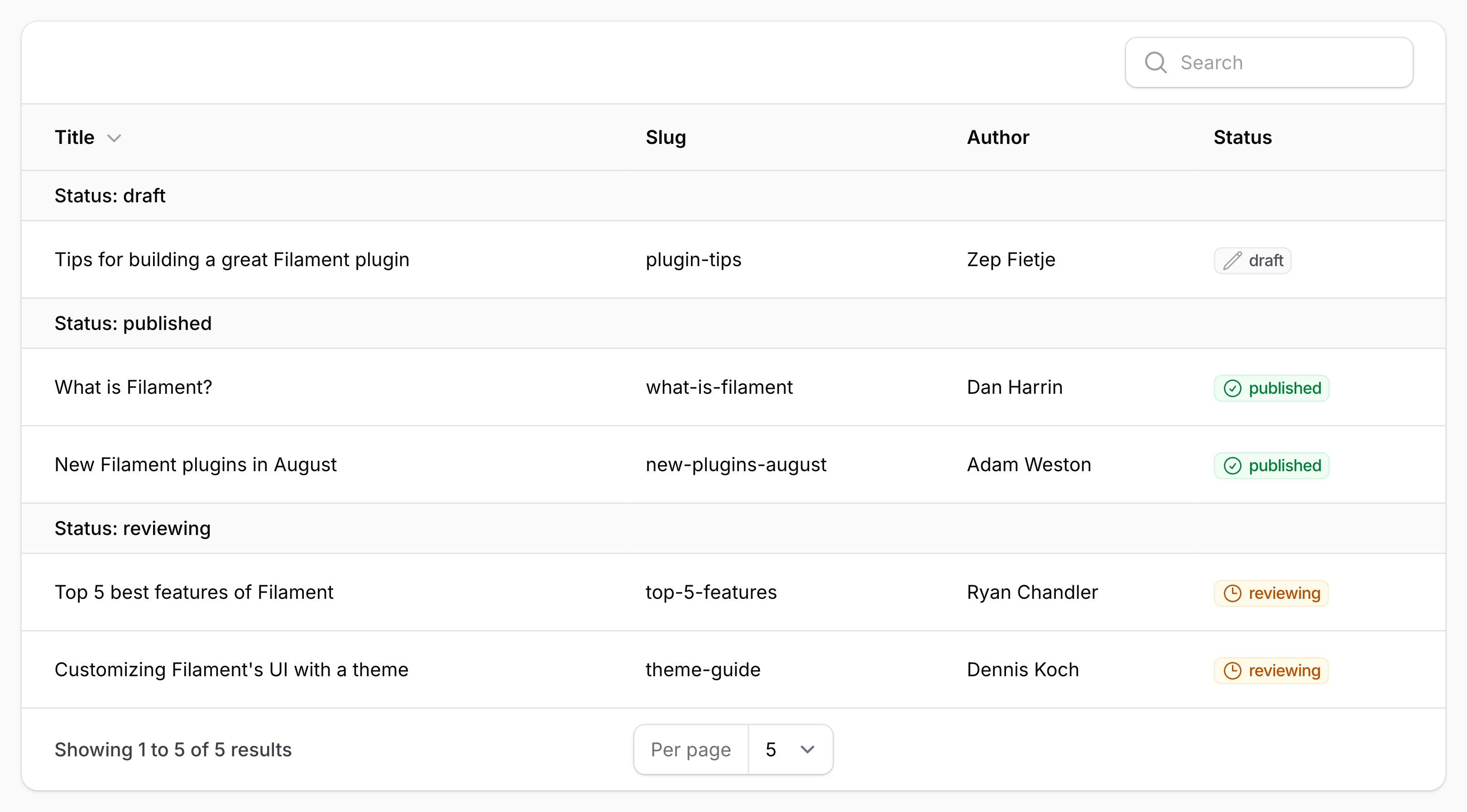
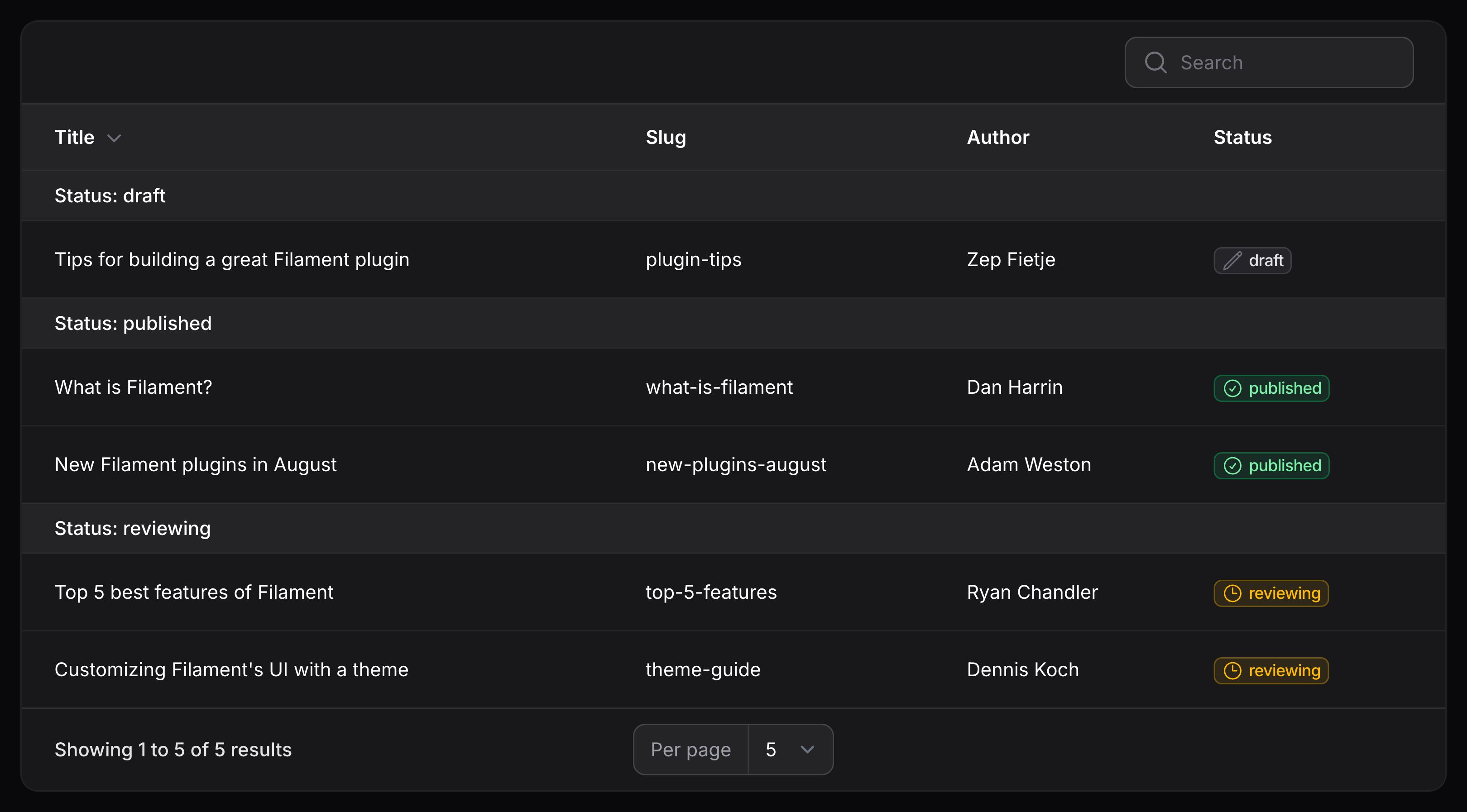
Setting the default grouping direction
By default, groups are ordered in ascending order. To use descending order by default, pass the direction argument to the defaultGroup() method:
use Filament\Tables\Table;

public function table(Table $table): Table
{
    return $table
        ->defaultGroup('status', direction: 'desc');
}
允许用户在分组之间进行选择
你还可以允许用户在不同的分组之间进行选择,只需将不同的分组以数组的形式传递给 groups() 方法即可:
use Filament\Tables\Table;

public function table(Table $table): Table
{
    return $table
        ->groups([
            'status',
            'category',
        ]);
}
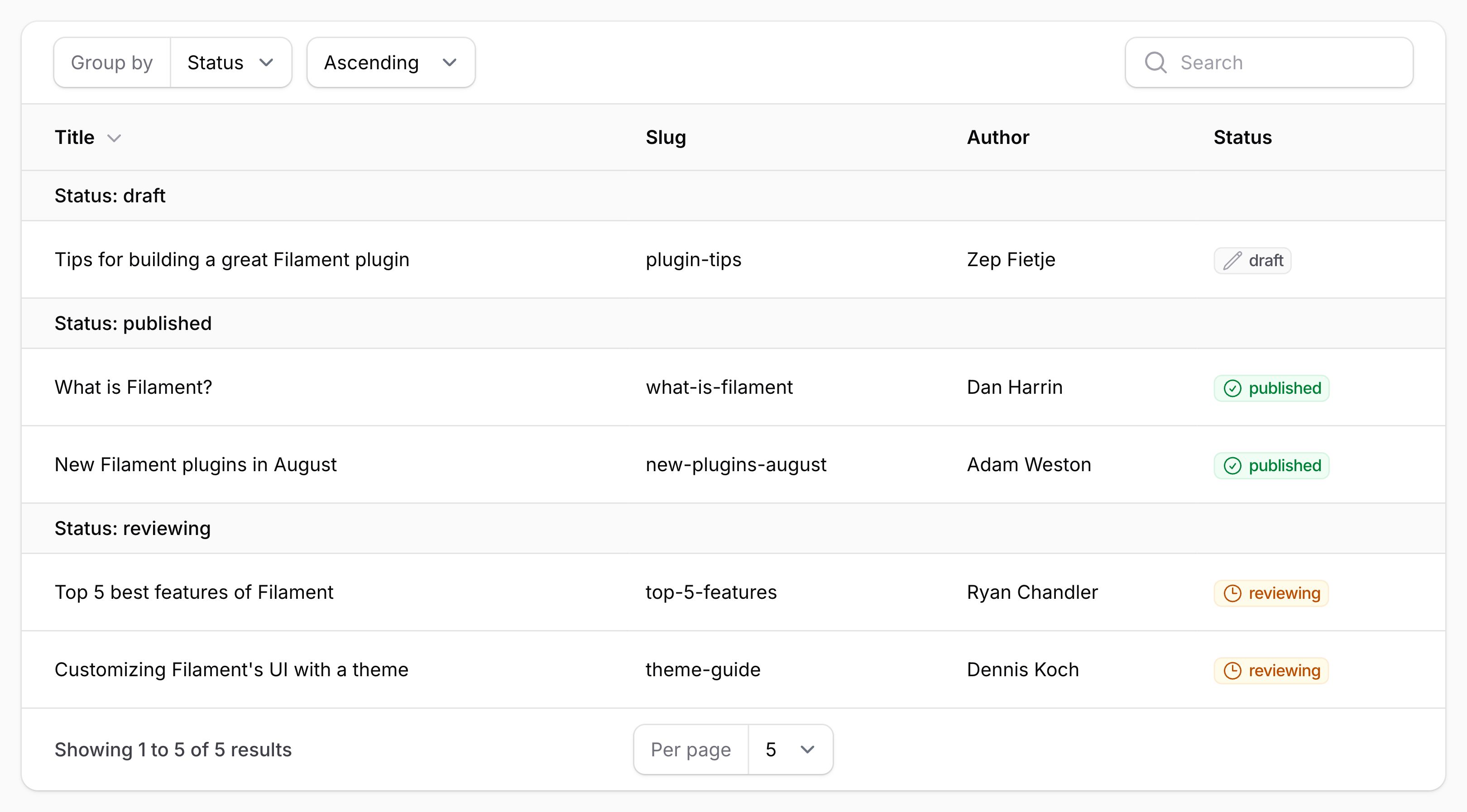
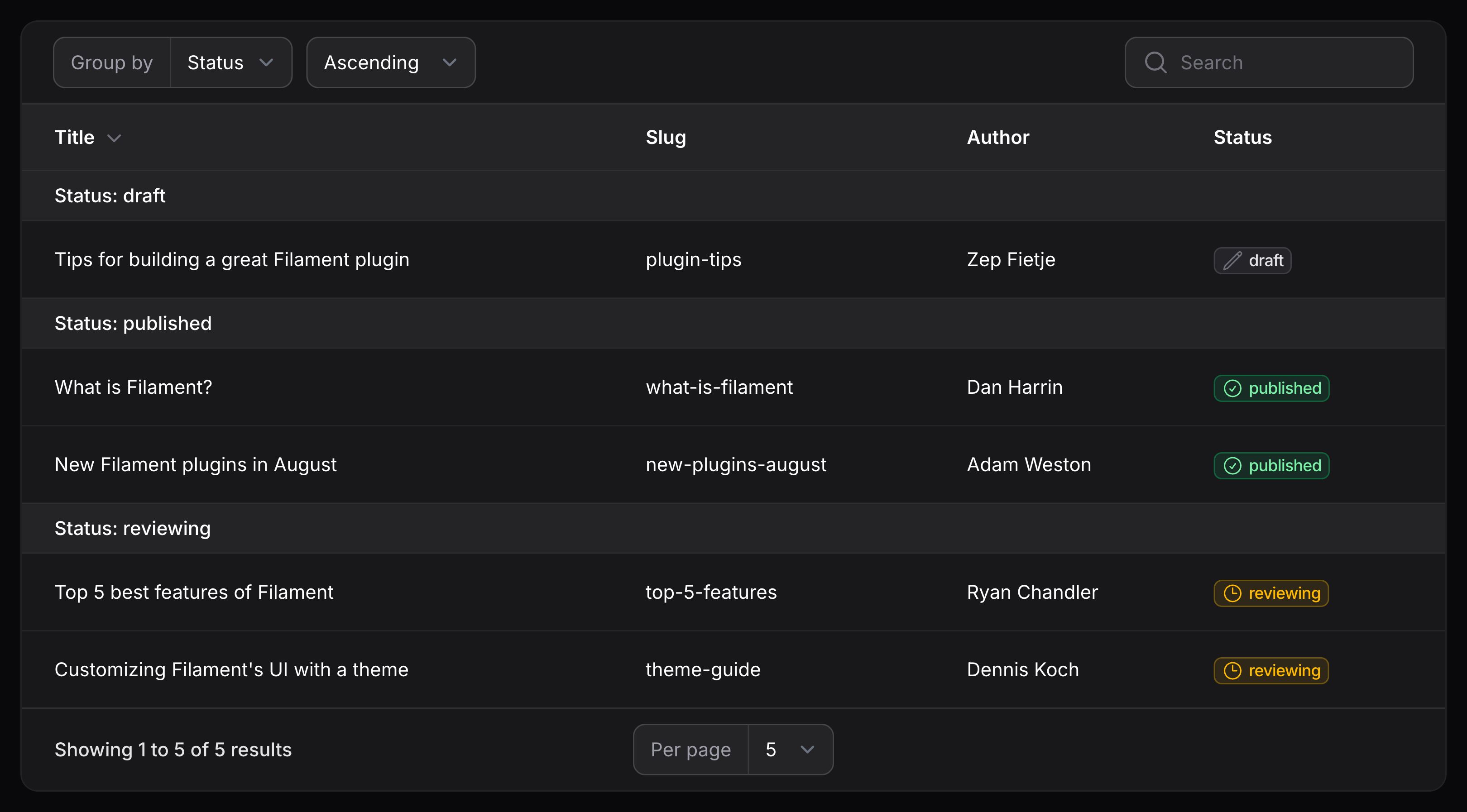
你可以同时使用 groups() 和 defaultGroup() 来允许用户在不同的分组之间进行选择,同时设置有一个默认分组集:
use Filament\Tables\Table;

public function table(Table $table): Table
{
    return $table
        ->groups([
            'status',
            'category',
        ])
        ->defaultGroup('status');
}
根据关联属性分组
你也可以使用点语法按关联属性进行分组。例如,如果你有一个 author 关联,其中包含 name 属性,则可以使用 author.name 作为属性名称:
use Filament\Tables\Table;

public function table(Table $table): Table
{
    return $table
        ->groups([
            'author.name',
        ]);
}
设置分组标签
默认情况下,分组的标签将根据属性生成。你可以使用 Group 对象的 label() 方法自定义它:
use Filament\Tables\Grouping\Group;
use Filament\Tables\Table;

public function table(Table $table): Table
{
    return $table
        ->groups([
            Group::make('author.name')
                ->label('Author name'),
        ]);
}
设置分组标题
默认情况下,分组的标题将是该属性的值。你可以通过从 Group 对象的 getTitleFromRecordUsing() 方法返回新标题来自定义它:
use Filament\Tables\Grouping\Group;
use Filament\Tables\Table;

public function table(Table $table): Table
{
    return $table
        ->groups([
            Group::make('status')
                ->getTitleFromRecordUsing(fn (Post $record): string => ucfirst($record->status->getLabel())),
        ]);
}
禁用标题标签的前缀
默认情况下,标题会以分组标签作为前缀。要禁用此前缀,请使用 titlePrefixedWithLabel(false) 方法:
use Filament\Tables\Grouping\Group;
use Filament\Tables\Table;

public function table(Table $table): Table
{
    return $table
        ->groups([
            Group::make('status')
                ->titlePrefixedWithLabel(false),
        ]);
}
设置分组描述
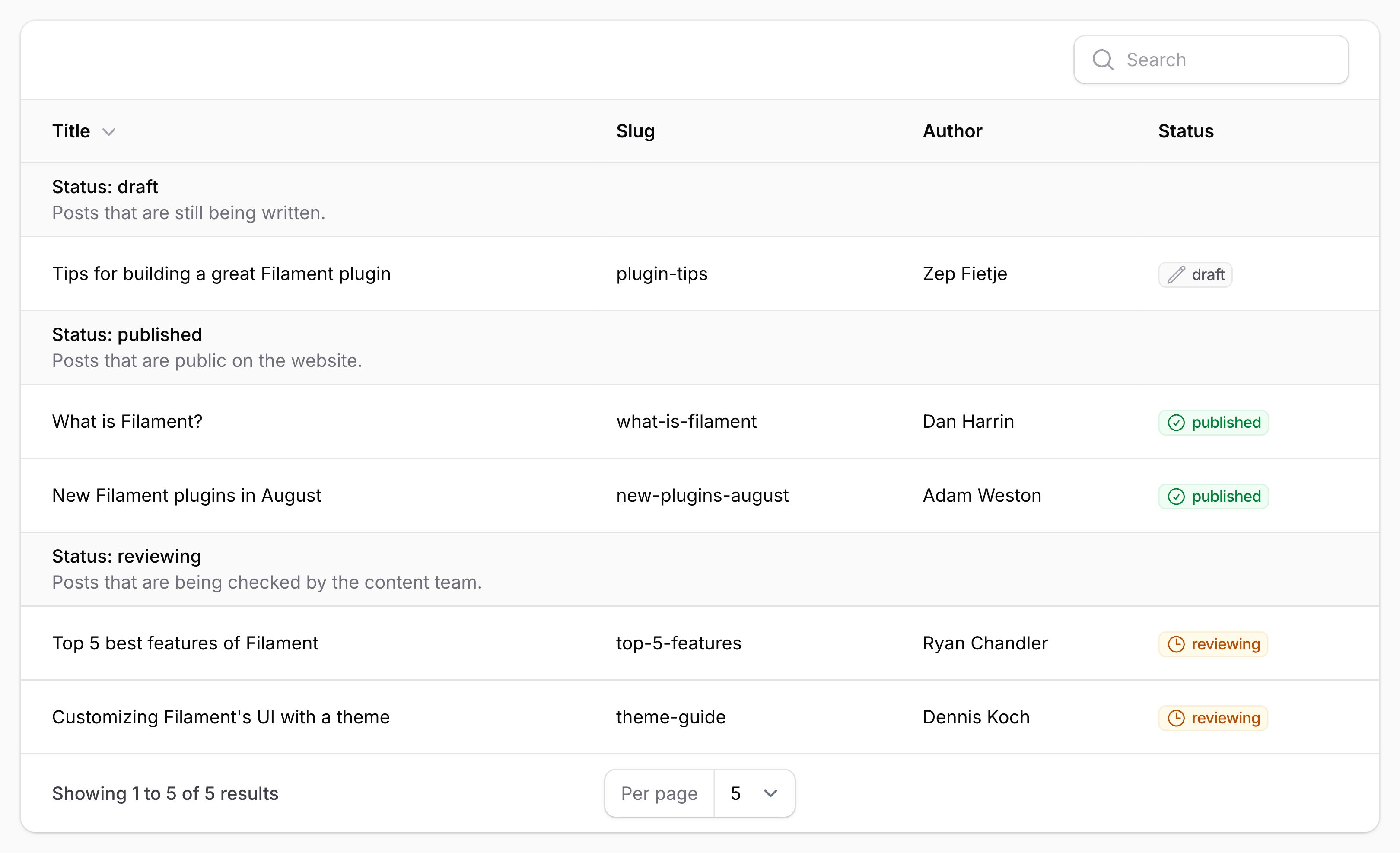
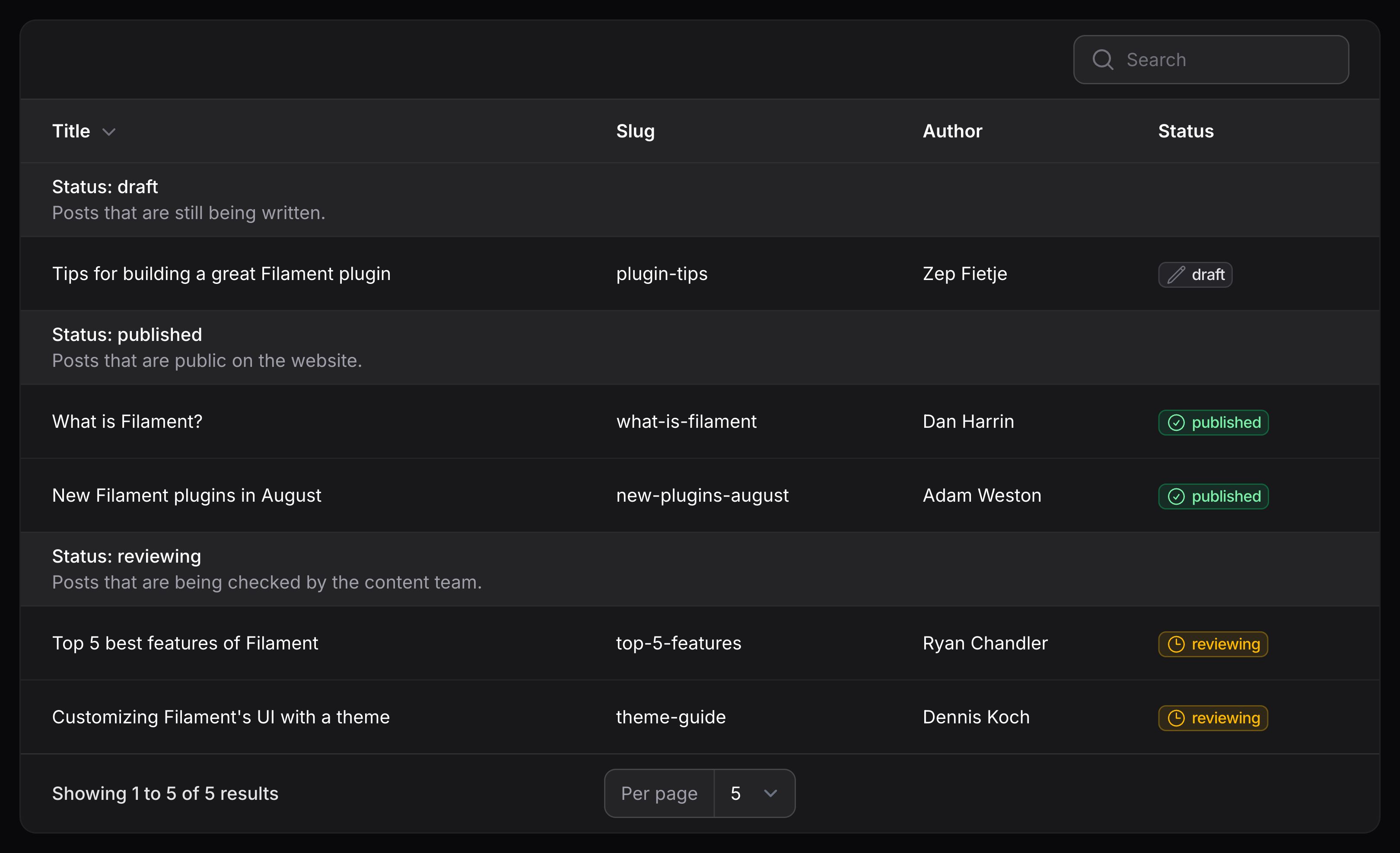
你也可以为分组设置描述,它显示在分组标题下方。为此,请在 Group 对象上使用 getDescriptionFromRecordUsing() 方法:
use Filament\Tables\Grouping\Group;
use Filament\Tables\Table;

public function table(Table $table): Table
{
    return $table
        ->groups([
            Group::make('status')
                ->getDescriptionFromRecordUsing(fn (Post $record): string => $record->status->getDescription()),
        ]);
}
设置分组键
默认情况下,分组的键将为其属性的值。它在内部用作该分组的原始标识符,而不是标题。你可以通过从 Group 对象的 getKeyFromRecordUsing() 方法返回一个新键来自定义它:
use Filament\Tables\Grouping\Group;
use Filament\Tables\Table;

public function table(Table $table): Table
{
    return $table
        ->groups([
            Group::make('status')
                ->getKeyFromRecordUsing(fn (Post $record): string => $record->status->value),
        ]);
}
日期分组
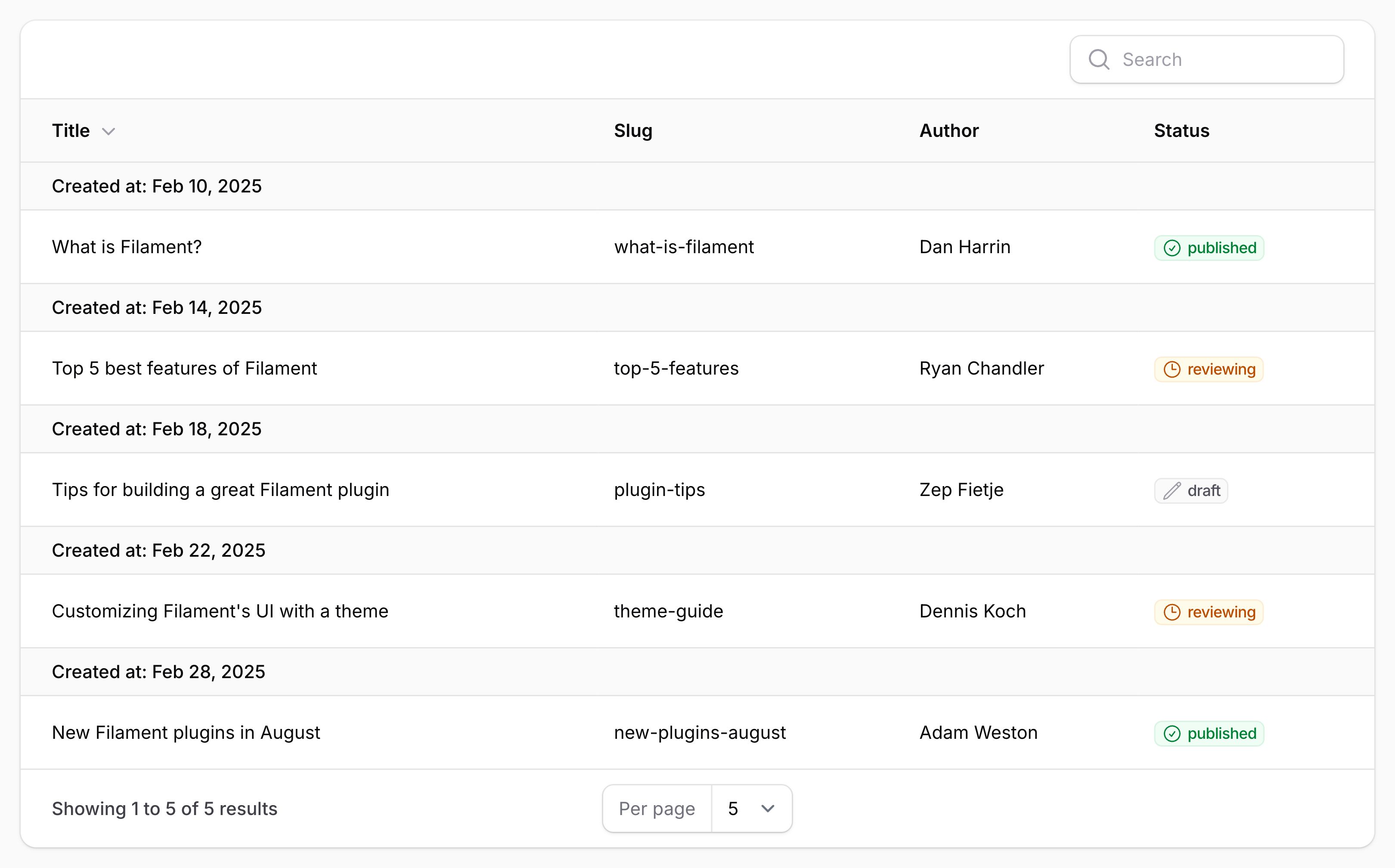
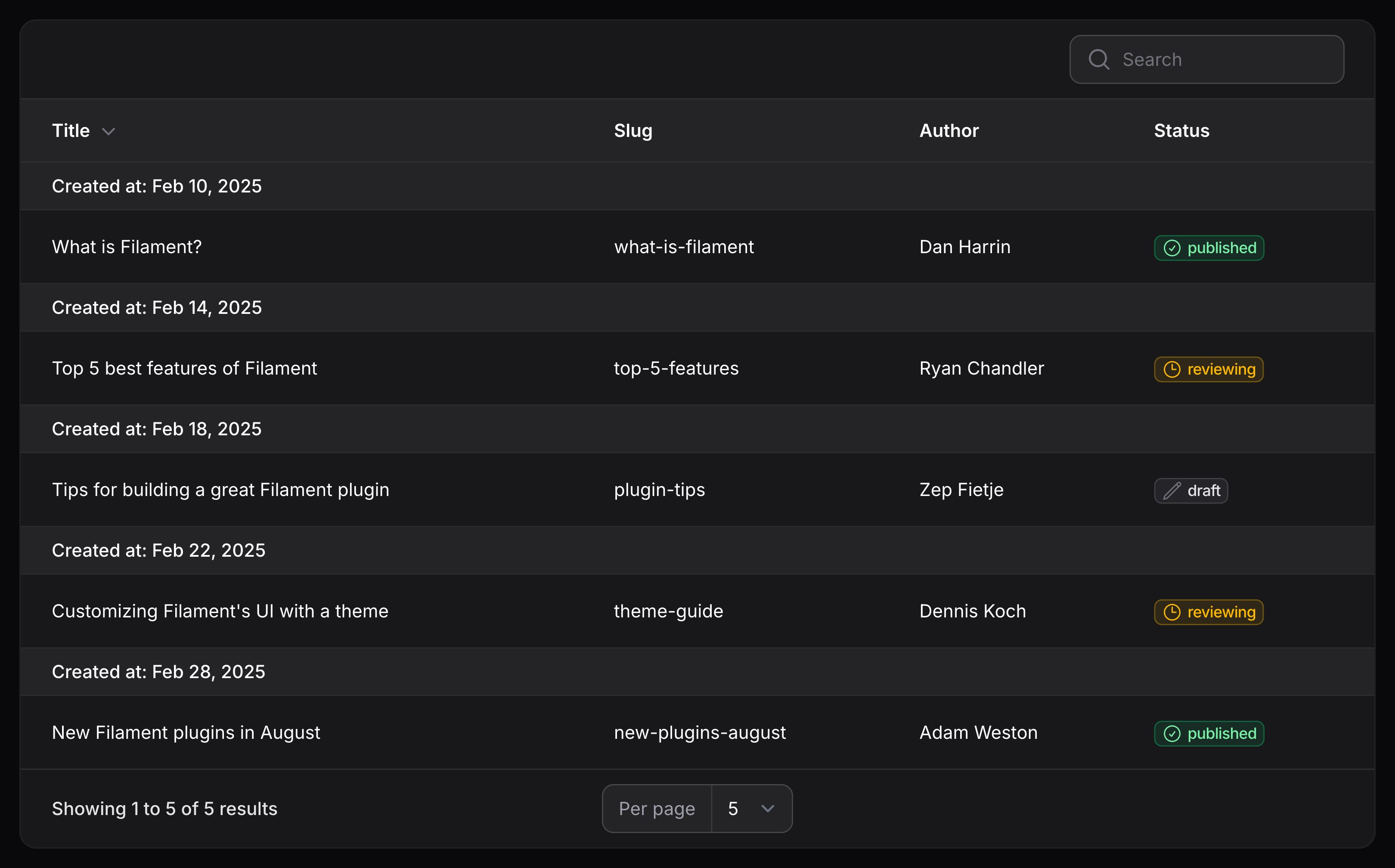
使用日期时间列作为分组时,你可能希望仅按日期分组,而忽略时间。为此,请在 Group 对象上使用 date() 方法:
use Filament\Tables\Grouping\Group;
use Filament\Tables\Table;

public function table(Table $table): Table
{
    return $table
        ->groups([
            Group::make('created_at')
                ->date(),
        ]);
}
可折叠分组
你可以允许分组内的行在其组标题下方折叠。要启用此功能,请在 Group 对象上使用 collapsible() 方法:
use Filament\Tables\Grouping\Group;
use Filament\Tables\Table;

public function table(Table $table): Table
{
    return $table
        ->groups([
            Group::make('author.name')
                ->collapsible(),
        ]);
}
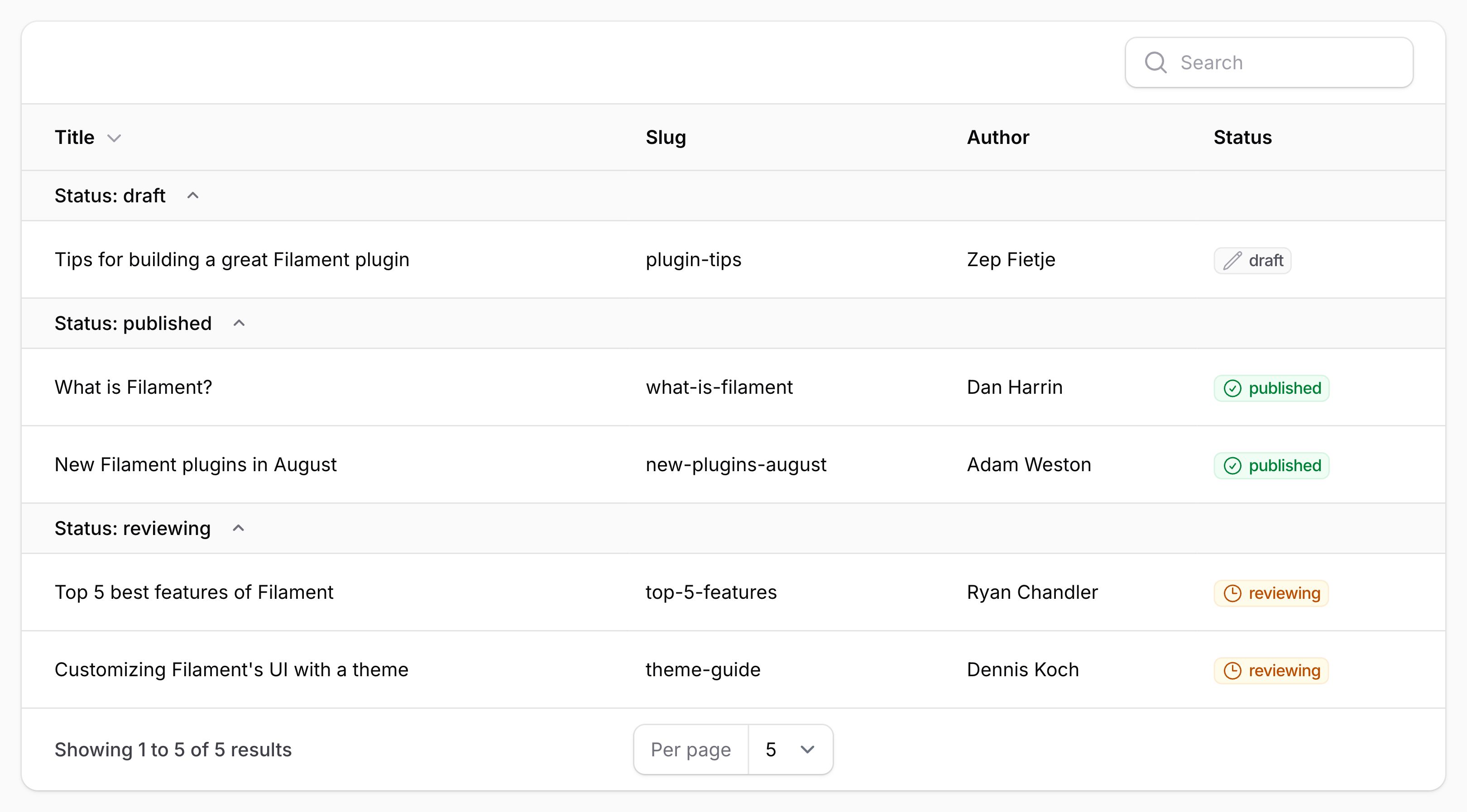
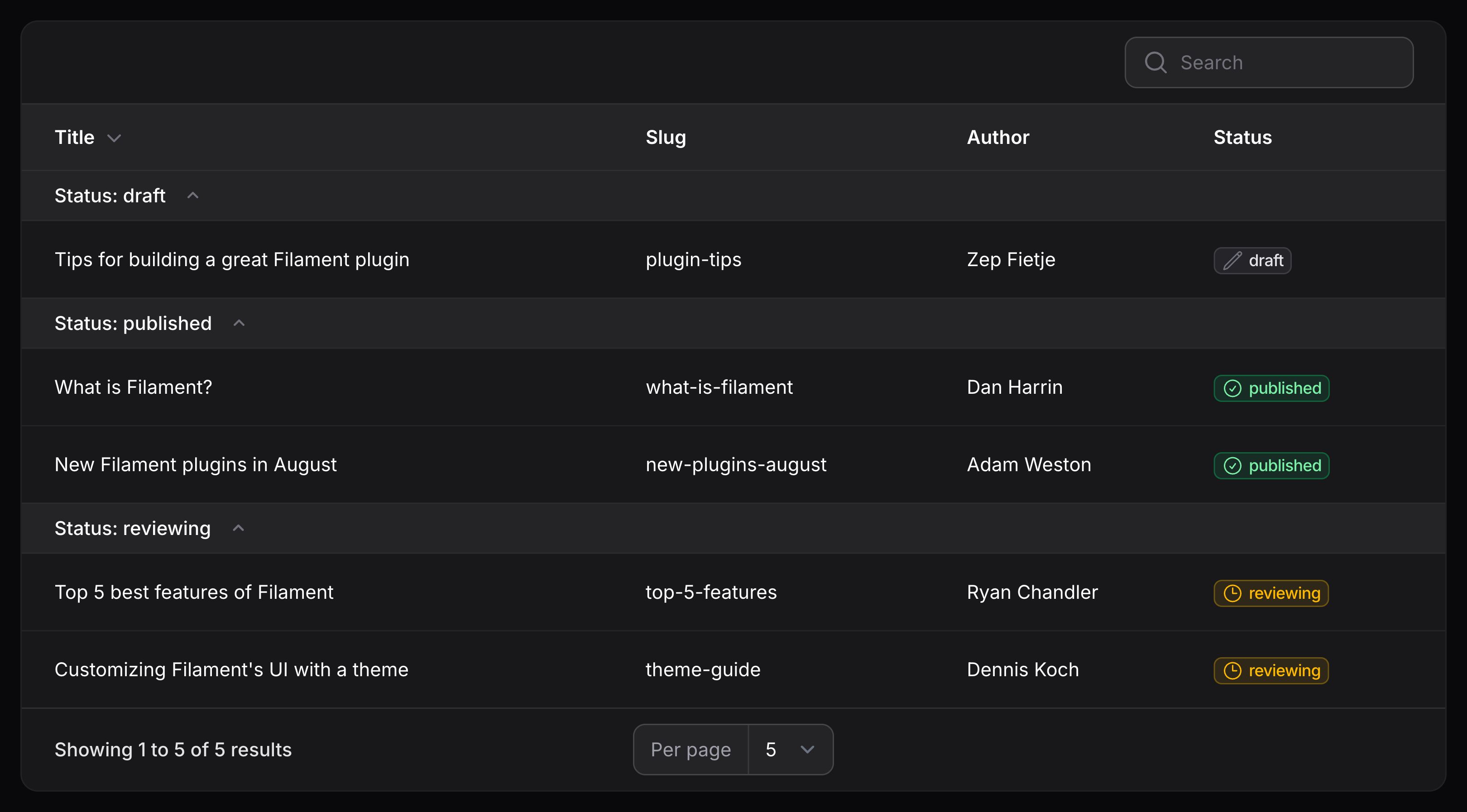
Collapsing groups by default
By default, groups with the collapsible() method are expanded when the table loads.
If you want all groups to be collapsed by default when the table loads, use $table->collapsedGroupsByDefault():
use Filament\Tables\Grouping\Group;
use Filament\Tables\Table;

public function table(Table $table): Table
{
    return $table
        ->groups([
            Group::make('author.name')
                ->collapsible(),
        ])
        ->collapsedGroupsByDefault();
}
汇总分组
你可以将汇总器 与分组结合使用,以显示分组内记录的摘要。如果你选择向分组表中的列添加汇总器,则此功能会自动生效。
隐藏分组行并仅显示摘要
你可以使用 groupsOnly() 方法隐藏分组内的行,仅显示每个分组的摘要。这在许多报表场景中非常有用。
use Filament\Tables\Columns\Summarizers\Sum;
use Filament\Tables\Columns\TextColumn;
use Filament\Tables\Table;

public function table(Table $table): Table
{
    return $table
        ->columns([
            TextColumn::make('views_count')
                ->summarize(Sum::make()),
            TextColumn::make('likes_count')
                ->summarize(Sum::make()),
        ])
        ->defaultGroup('category')
        ->groupsOnly();
}
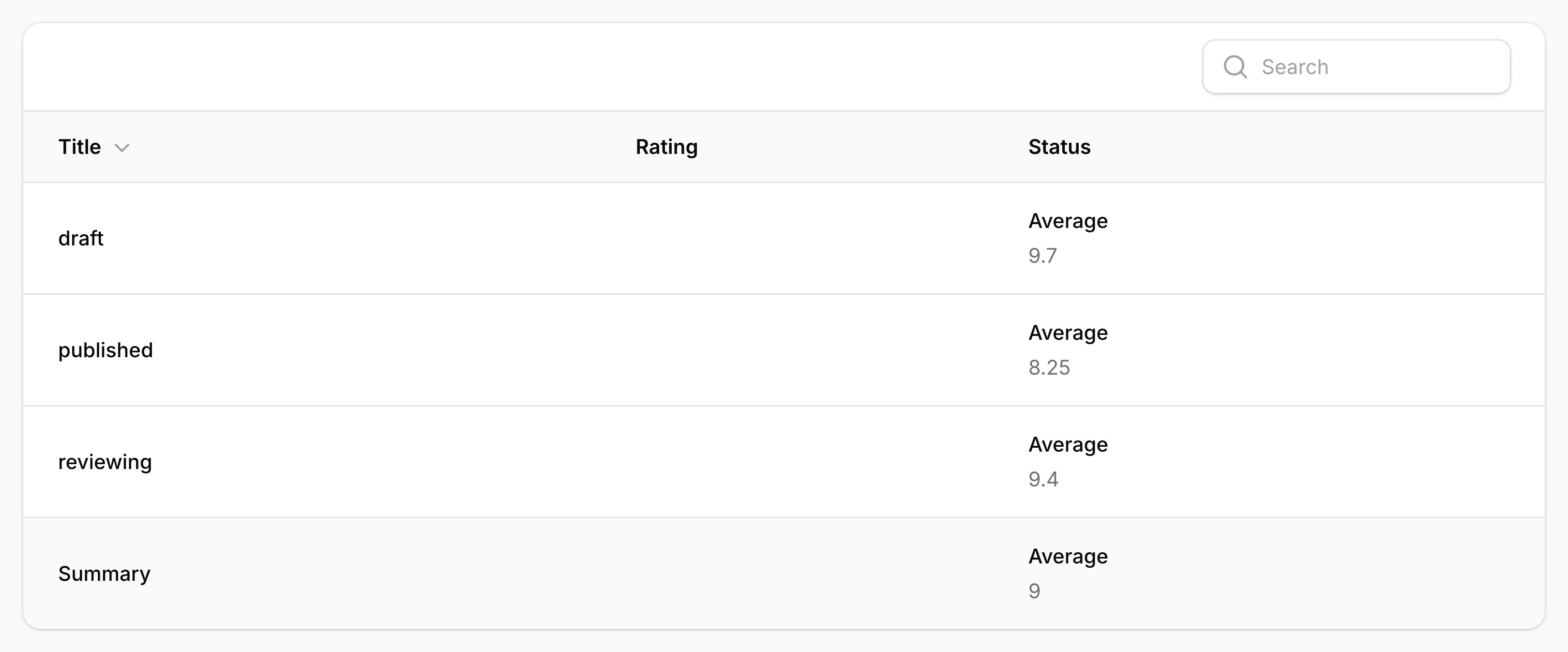
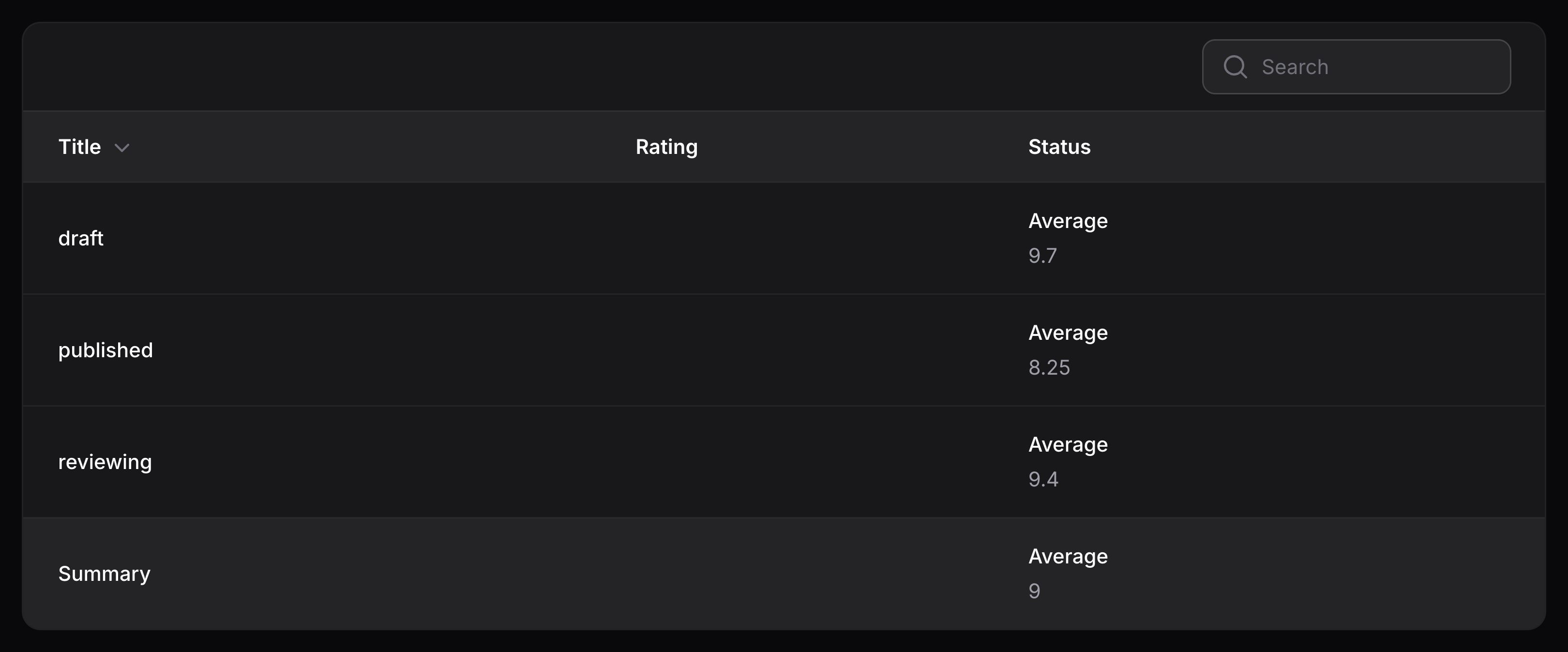
自定义 Eloquent 查询排序行为
某些功能要求表格能够根据分组对 Eloquent 查询进行排序。你可以使用 Group 对象上的 orderQueryUsing() 方法自定义执行方式:
use Filament\Tables\Grouping\Group;
use Filament\Tables\Table;
use Illuminate\Database\Eloquent\Builder;

public function table(Table $table): Table
{
    return $table
        ->groups([
            Group::make('status')
                ->orderQueryUsing(fn (Builder $query, string $direction) => $query->orderBy('status', $direction)),
        ]);
}
自定义 Eloquent 查询范围行为
某些功能要求表能够根据分组来限定 Eloquent 查询的范围。你可以使用 Group 对象上的 scopeQueryByKeyUsing() 方法自定义此操作:
use Filament\Tables\Grouping\Group;
use Illuminate\Database\Eloquent\Builder;

public function table(Table $table): Table
{
    return $table
        ->groups([
            Group::make('status')
                ->scopeQueryByKeyUsing(fn (Builder $query, string $key) => $query->where('status', $key)),
        ]);
}
自定义 Eloquent 查询分组行为
某些功能要求表格能够根据组对 Eloquent 查询进行分组。你可以使用 Group 对象上的 groupQueryUsing() 方法自定义此操作:
use Filament\Tables\Grouping\Group;
use Illuminate\Database\Eloquent\Builder;

public function table(Table $table): Table
{
    return $table
        ->groups([
            Group::make('status')
                ->groupQueryUsing(fn (Builder $query) => $query->groupBy('status')),
        ]);
}
自定义分组下拉列表触发操作
要自定义分组下拉列表触发按钮,你可以使用 groupRecordsTriggerAction() 方法,并传递一个返回操作的闭包。所有可用于自定义操作触发按钮 的方法都可以在此使用:
use Filament\Actions\Action;
use Filament\Tables\Table;

public function table(Table $table): Table
{
    return $table
        ->groups([
            // ...
        ])
        ->groupRecordsTriggerAction(
            fn (Action $action) => $action
                ->button()
                ->label('Group records'),
        );
}
在桌面端上使用分组设置下拉菜单
默认情况下,分组设置下拉菜单仅显示在移动端上。在桌面端上,分组设置位于表格标题中。你可以使用 groupingSettingsInDropdownOnDesktop() 方法在桌面端上启用该下拉菜单:
use Filament\Tables\Table;

public function table(Table $table): Table
{
    return $table
        ->groups([
            // ...
        ])
        ->groupingSettingsInDropdownOnDesktop();
}
隐藏分组设置
你可以使用 groupingSettingsHidden() 方法隐藏分组设置界面:
use Filament\Tables\Table;

public function table(Table $table): Table
{
    return $table
		->defaultGroup('status')
        ->groupingSettingsHidden();
}
仅隐藏分组方向设置
你可以使用 groupingDirectionSettingHidden() 方法隐藏分组方向选择界面:
use Filament\Tables\Table;

public function table(Table $table): Table
{
    return $table
		->defaultGroup('status')
        ->groupingDirectionSettingHidden();
}
Persisting the grouping in the user’s session
To persist the grouping in the user’s session, use the persistGroupInSession() method:
use Filament\Tables\Table;

public function table(Table $table): Table
{
    return $table
        ->groups([
            'status',
            'category',
        ])
        ->persistGroupInSession();
}
Still need help? Join our Discord community or open a GitHub discussion