
导航
用户菜单
简介
用户菜单位于管理界面右上角,可完全自定义。
每个菜单项都由一个 Action 表示,并可按照相同的方式进行自定义。要注册新菜单项,你可以将这些操作传递给配置 的 userMenuItems() 方法:
use App\Filament\Pages\Settings;
use Filament\Actions\Action;
use Filament\Panel;

public function panel(Panel $panel): Panel
{
    return $panel
        // ...
        ->userMenuItems([
            Action::make('settings')
                ->url(fn (): string => Settings::getUrl())
                ->icon('heroicon-o-cog-6-tooth'),
            // ...
        ]);
}


对用户菜单项进行分组
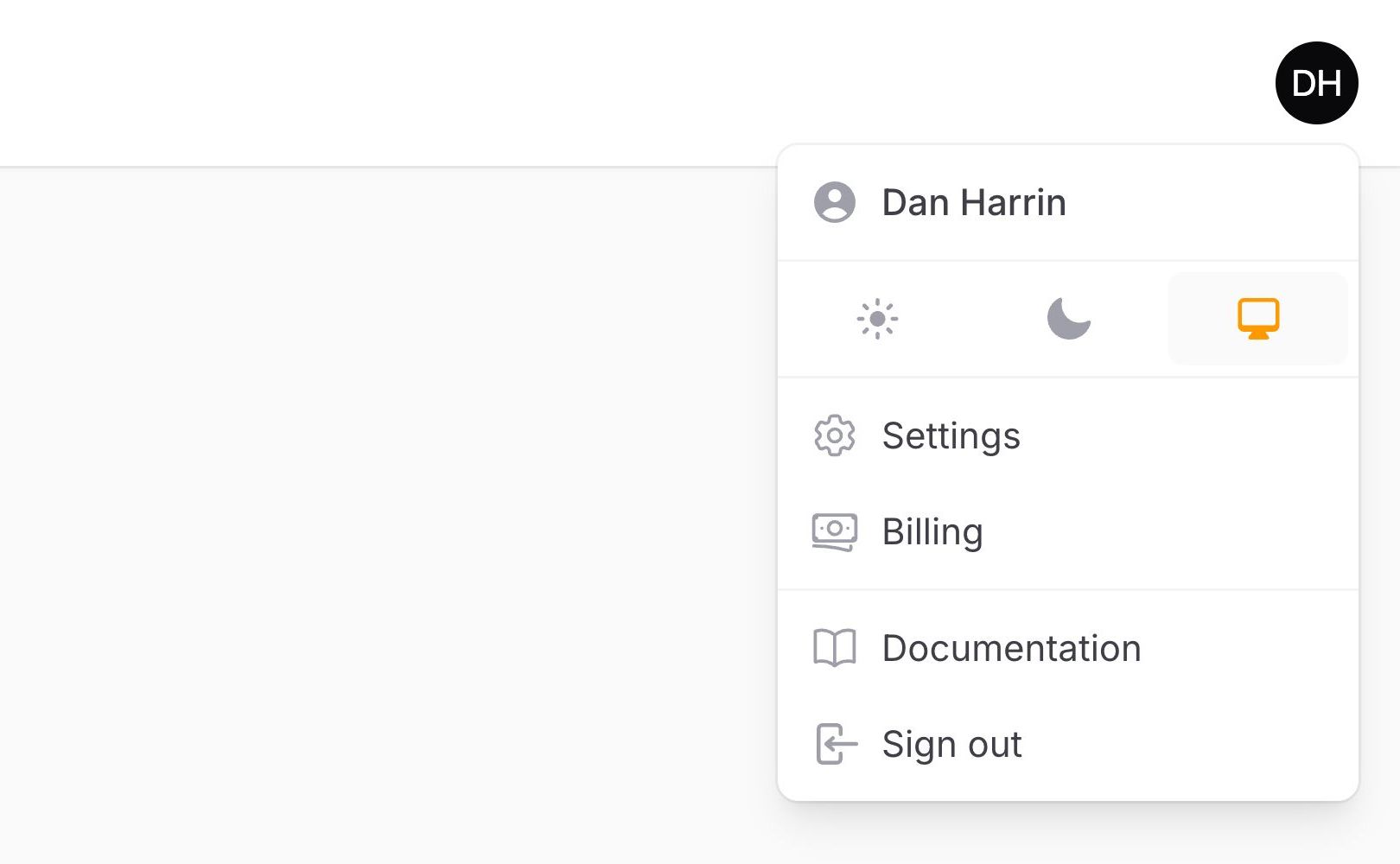
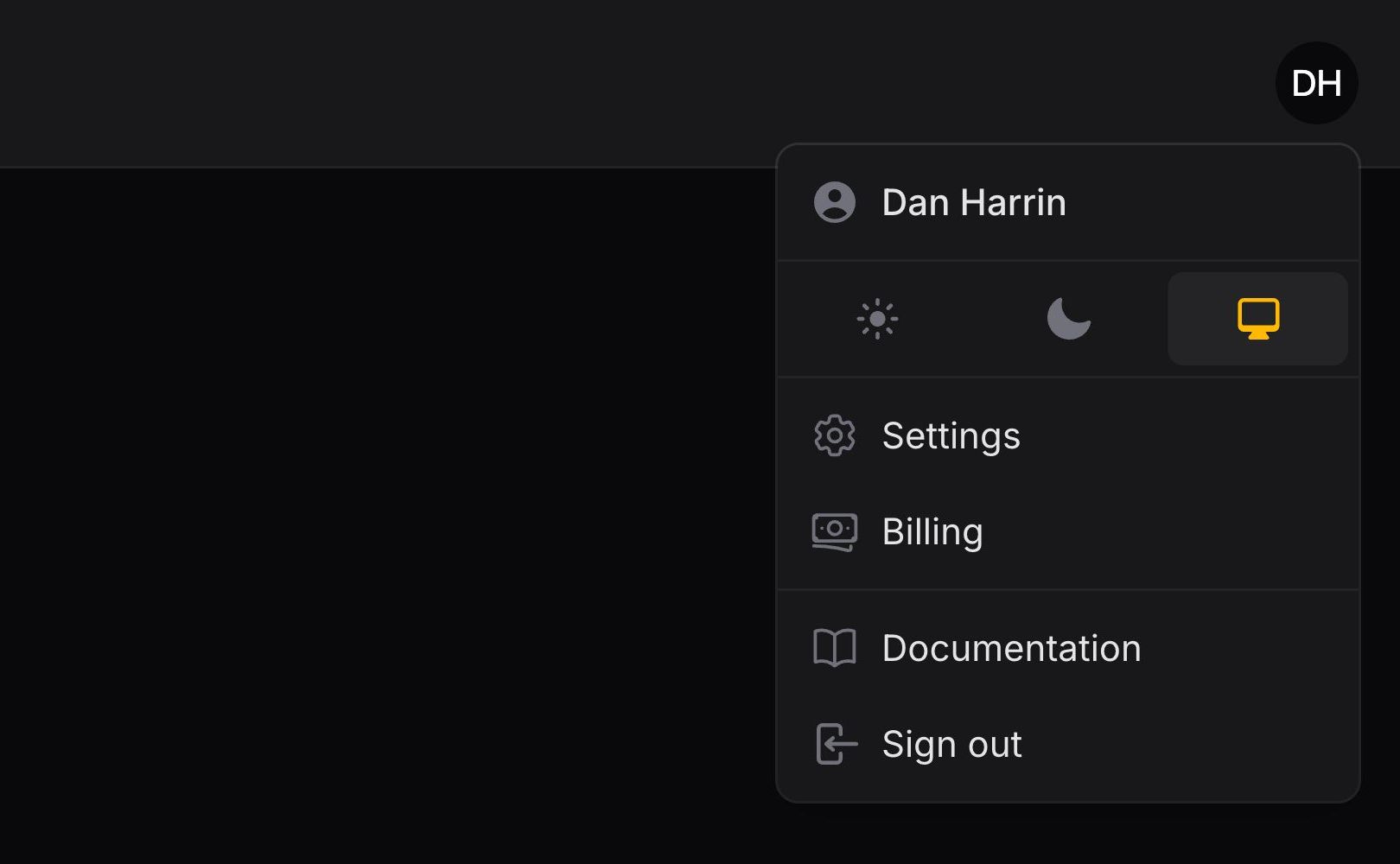
默认情况下,所有用户菜单项都显示在同一个列表中。如果你希望将它们分为不同的组,可以向 userMenuItems() 方法传入一个包含多个数组的数组。每个数组都会被渲染为一个独立的分组,组与组之间由分隔线隔开:
use App\Filament\Pages\Billing;
use App\Filament\Pages\Settings;
use Filament\Actions\Action;
use Filament\Panel;

public function panel(Panel $panel): Panel
{
    return $panel
        // ...
        ->userMenuItems([
            [
                Action::make('settings')
                    ->url(fn (): string => Settings::getUrl())
                    ->icon('heroicon-o-cog-6-tooth'),
                Action::make('billing')
                    ->url(fn (): string => Billing::getUrl())
                    ->icon('heroicon-o-banknotes'),
            ],
            [
                Action::make('documentation')
                    ->url('https://filamentphp.com/docs')
                    ->icon('heroicon-o-book-open'),
            ],
        ]);
}
NOTE
logout 项默认会被添加到最后一组中。若需自行指定位置,可使用 logout 数组键将其显式注册到任意分组内。由于默认的 sort() 逻辑会将其置于分组末尾,若希望将其放置在分组内的其他位置,请调整排序设置:
->userMenuItems([
    // ...
    [
        'logout' => fn (Action $action): Action => $action->sort(2),
    ],
])
将用户菜单移至侧边栏
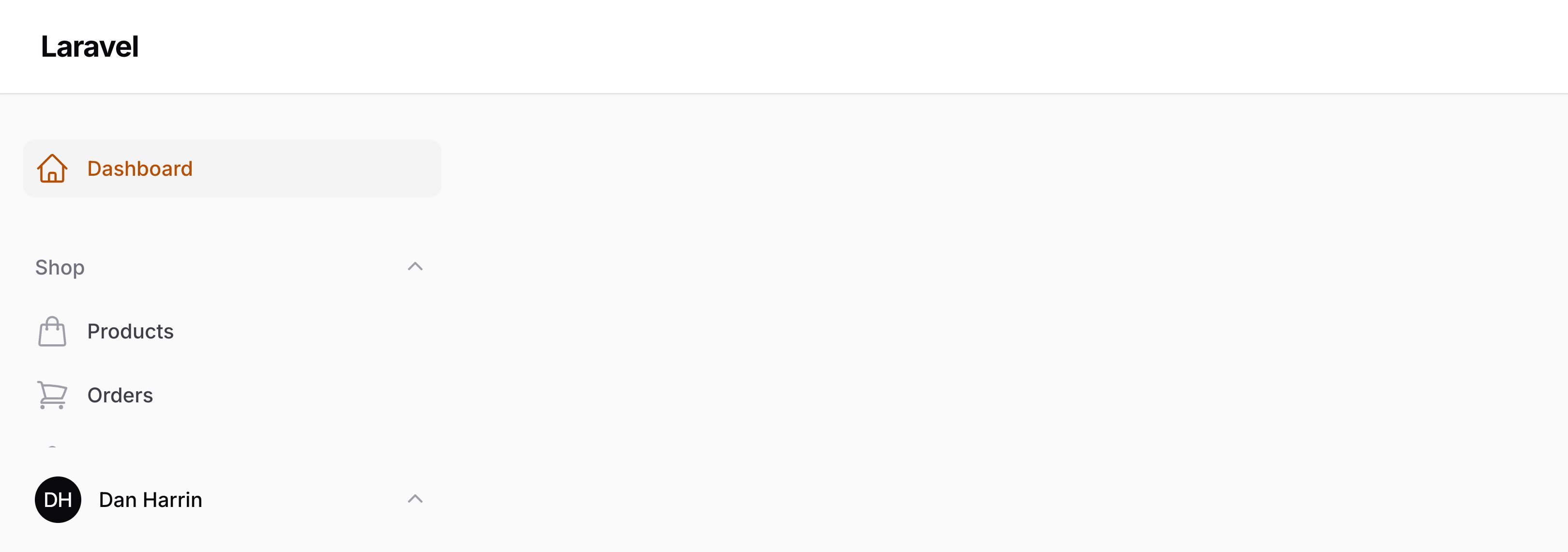
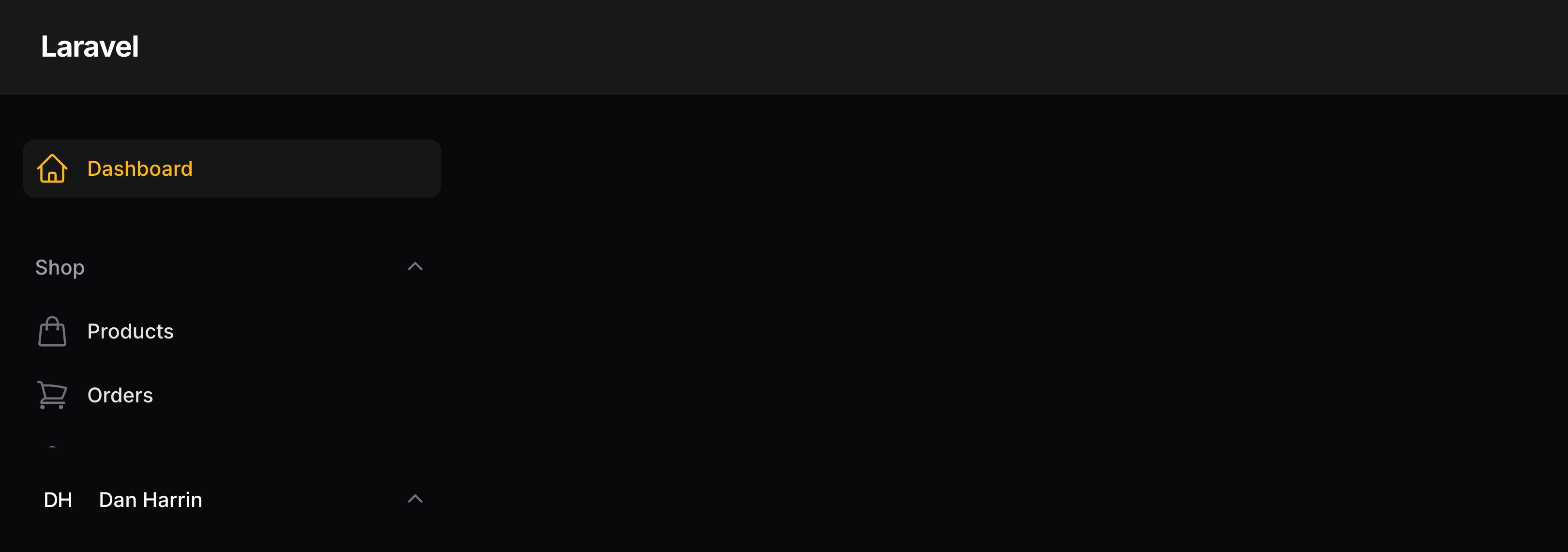
默认情况下,用户菜单位于顶部栏中。如果禁用了顶部栏,它会被移至侧边栏。
你可以通过在配置中的 userMenu() 方法里传入 position 参数,选择始终将其移至侧边栏:
use Filament\Enums\UserMenuPosition;
use Filament\Panel;

public function panel(Panel $panel): Panel
{
    return $panel
        // ...
        ->userMenu(position: UserMenuPosition::Sidebar);
}
自定义个人资料链接
要自定义用户菜单开头的用户个人资料链接,请使用 profile 数组键注册一个新项目,并传递一个自定义操作对象的函数:
use Filament\Actions\Action;
use Filament\Panel;

public function panel(Panel $panel): Panel
{
    return $panel
        // ...
        ->userMenuItems([
            'profile' => fn (Action $action) => $action->label('Edit profile'),
            // ...
        ]);
}
有关创建个人资料页面的更多信息,请参阅身份验证功能文档。
自定义退出链接
要自定义用户菜单末尾的用户退出链接,请使用 logout 数组键注册一个新项目,并传递一个自定义操作对象的函数:
use Filament\Actions\Action;
use Filament\Panel;

public function panel(Panel $panel): Panel
{
    return $panel
        // ...
        ->userMenuItems([
            'logout' => fn (Action $action) => $action->label('Log out'),
            // ...
        ]);
}
条件性地隐藏用户菜单项
你也可以使用 visible() 或 hidden() 方法,传入要检查的条件,条件性地隐藏用户菜单项。传入一个函数会将条件判断推迟到菜单实际渲染时:
use App\Models\Payment;
use Filament\Actions\Action;

Action::make('payments')
    ->visible(fn (): bool => auth()->user()->can('viewAny', Payment::class))
    // or
    ->hidden(fn (): bool => ! auth()->user()->can('viewAny', Payment::class))
从用户菜单项发送 POST HTTP 请求
你可以通过将 URL 传递给 url() 方法,以及使用 postToUrl(),从用户菜单项发送 POST HTTP 请求:
use Filament\Actions\Action;

Action::make('lockSession')
    ->url(fn (): string => route('lock-session'))
    ->postToUrl()
禁用用户菜单
你也可以通过将 false 传递给 userMenu() 方法完全禁用用户菜单:
use Filament\Panel;

public function panel(Panel $panel): Panel
{
    return $panel
        // ...
        ->userMenu(false);
}
Still need help? Join our Discord community or open a GitHub discussion