
信息列表
Repeatable entry
简介
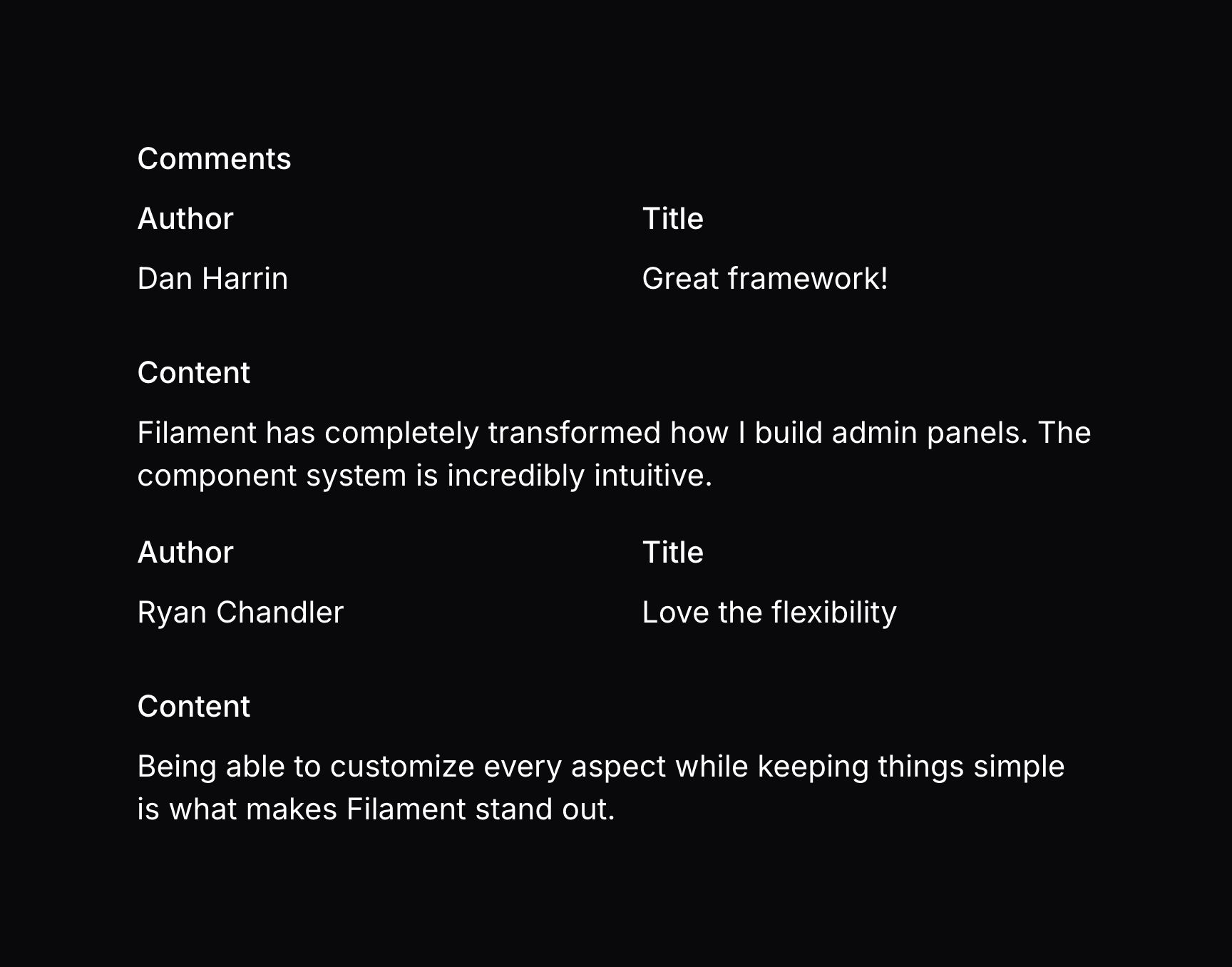
RepeatableEntry 允许你让数组或关联中的以一组 Entry 及布局组件进行重复:
use Filament\Infolists\Components\RepeatableEntry;
use Filament\Infolists\Components\TextEntry;

RepeatableEntry::make('comments')
    ->schema([
        TextEntry::make('author.name'),
        TextEntry::make('title'),
        TextEntry::make('content')
            ->columnSpan(2),
    ])
    ->columns(2)
如你所见,RepeatableEntry 有一个可嵌入的 schema(),可以重复每一项。
比如,该条目的值可能如下:
[
    [
        'author' => ['name' => 'Jane Doe'],
        'title' => 'Wow!',
        'content' => 'Lorem ipsum dolor sit amet, consectetur adipiscing elit. Nullam euismod, nisl eget aliquam ultricies, nunc nisl aliquet nunc, quis aliquam nisl.',
    ],
    [
        'author' => ['name' => 'John Doe'],
        'title' => 'This isn\'t working. Help!',
        'content' => 'Lorem ipsum dolor sit amet, consectetur adipiscing elit. Nullam euismod, nisl eget aliquam ultricies, nunc nisl aliquet nunc, quis aliquam nisl.',
    ],
]
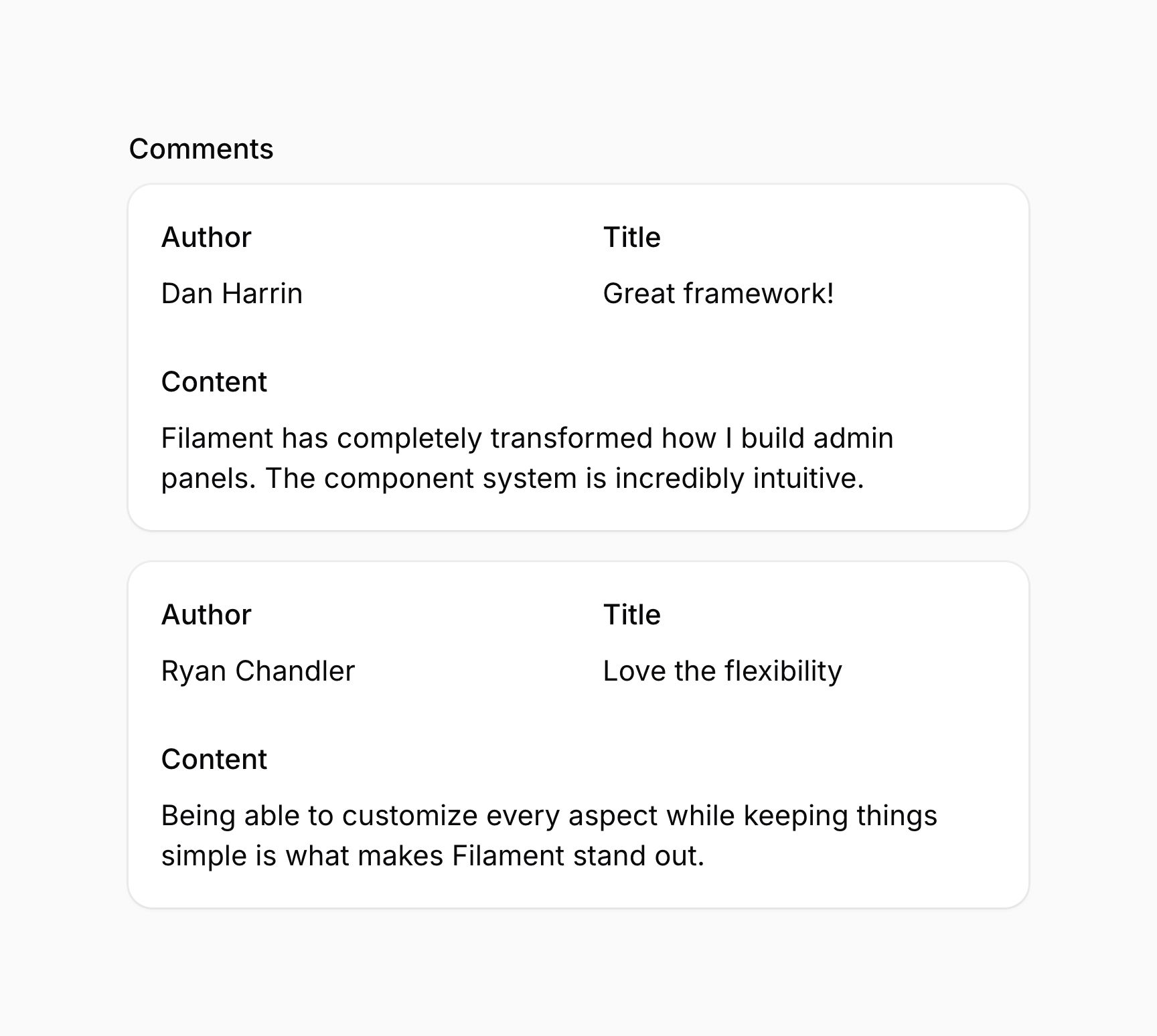

此外,comments 和 author 可能是 Eloquent 关联,title 和 content 可以是 Comment 模型的属性,而 name 可以是 Author 模型的一个属性。Filament 将会自动处理关联的加载,并以同样的方式展示数据。
Grid 布局
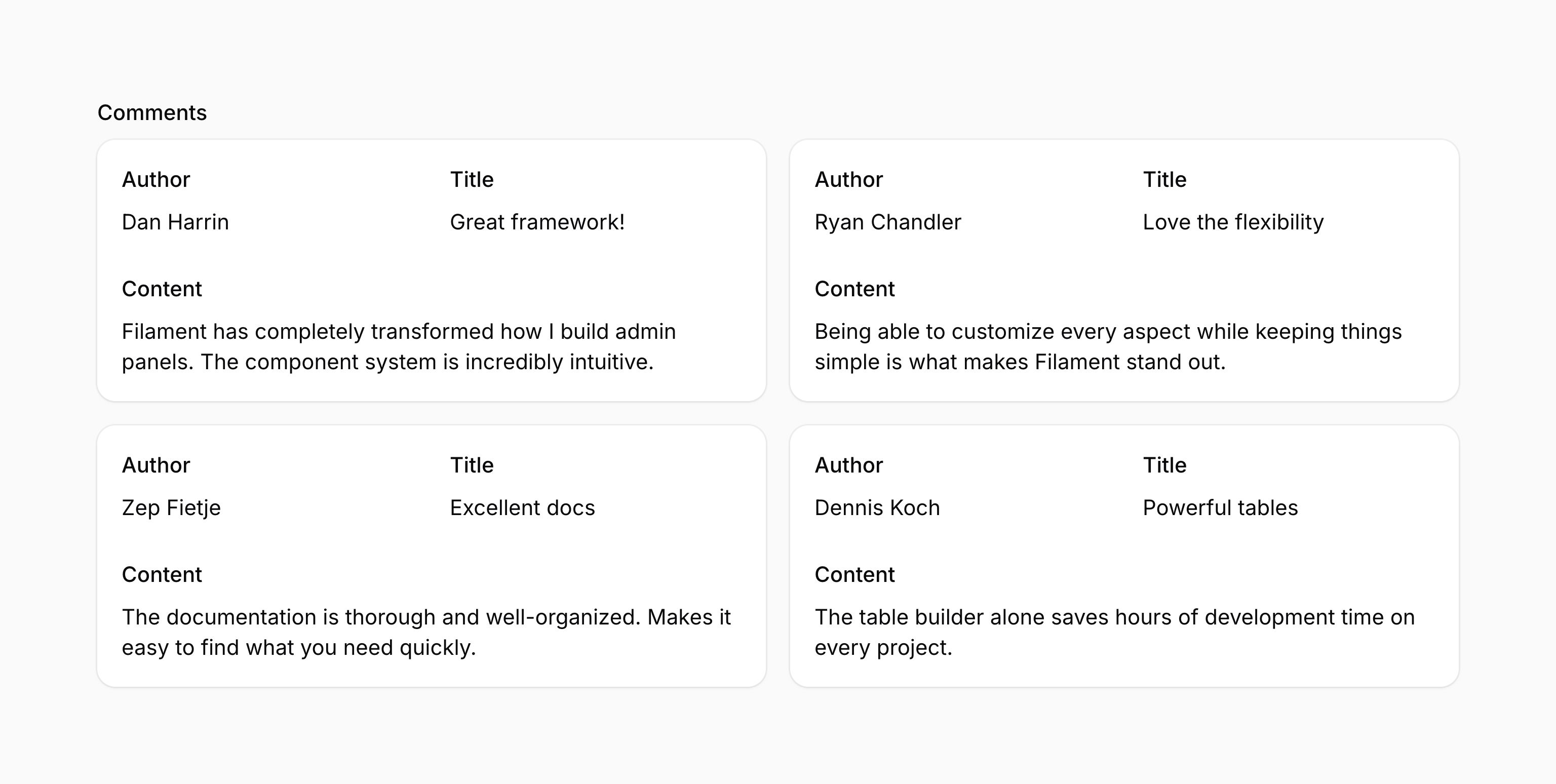
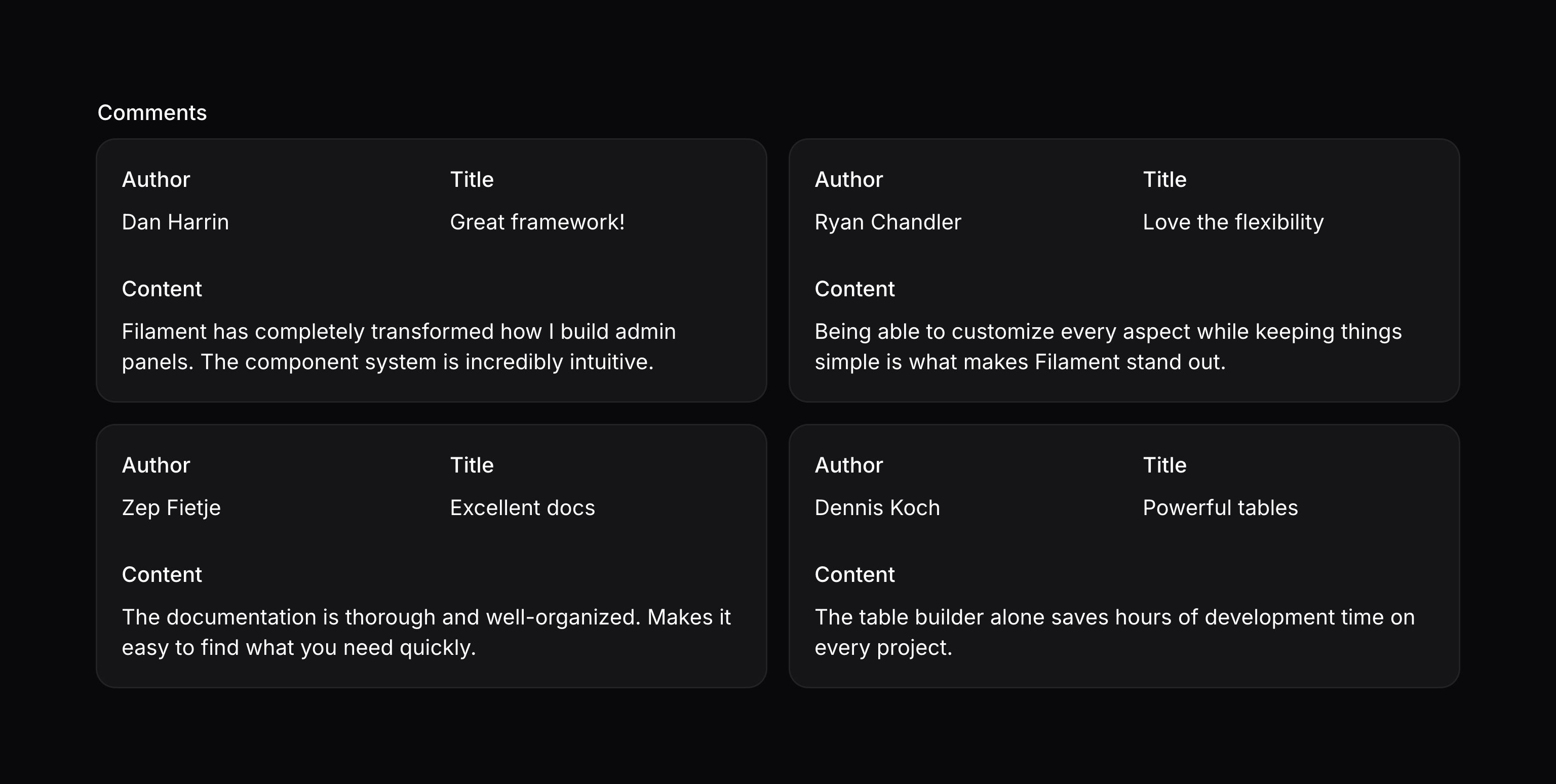
使用 grid() 方法,你可以将可重复项组织到列中:
use Filament\Infolists\Components\RepeatableEntry;

RepeatableEntry::make('comments')
    ->schema([
        // ...
    ])
    ->grid(2)
该方法接收与 Grid 的 columns() 方法相同的选项。让你可以在各种临界点中响应式地定制 Grid 的列数。
除了允许静态值外,grid() 方法也接受一个函数来动态计算其值。你可以将多个 utility 作为参数注入到该函数中。
了解更多 utility 注入详情。 | Utility | 类型 | 参数 | 描述 |
|---|---|---|---|
| Entry | Filament\Infolists\Components\Entry | $component | The current entry component instance. |
| Get function | Filament\Schemas\Components\Utilities\Get | $get | A function for retrieving values from the current schema data. Validation is not run on form fields. |
| Livewire | Livewire\Component | $livewire | The Livewire component instance. |
| Eloquent model FQN | ?string<Illuminate\Database\Eloquent\Model> | $model | The Eloquent model FQN for the current schema. |
| Operation | string | $operation | The current operation being performed by the schema. Usually create, edit, or view. |
| Eloquent record | ?Illuminate\Database\Eloquent\Model | $record | The Eloquent record for the current schema. |
| State | mixed | $state | The current value of the entry. |
移除样式容器
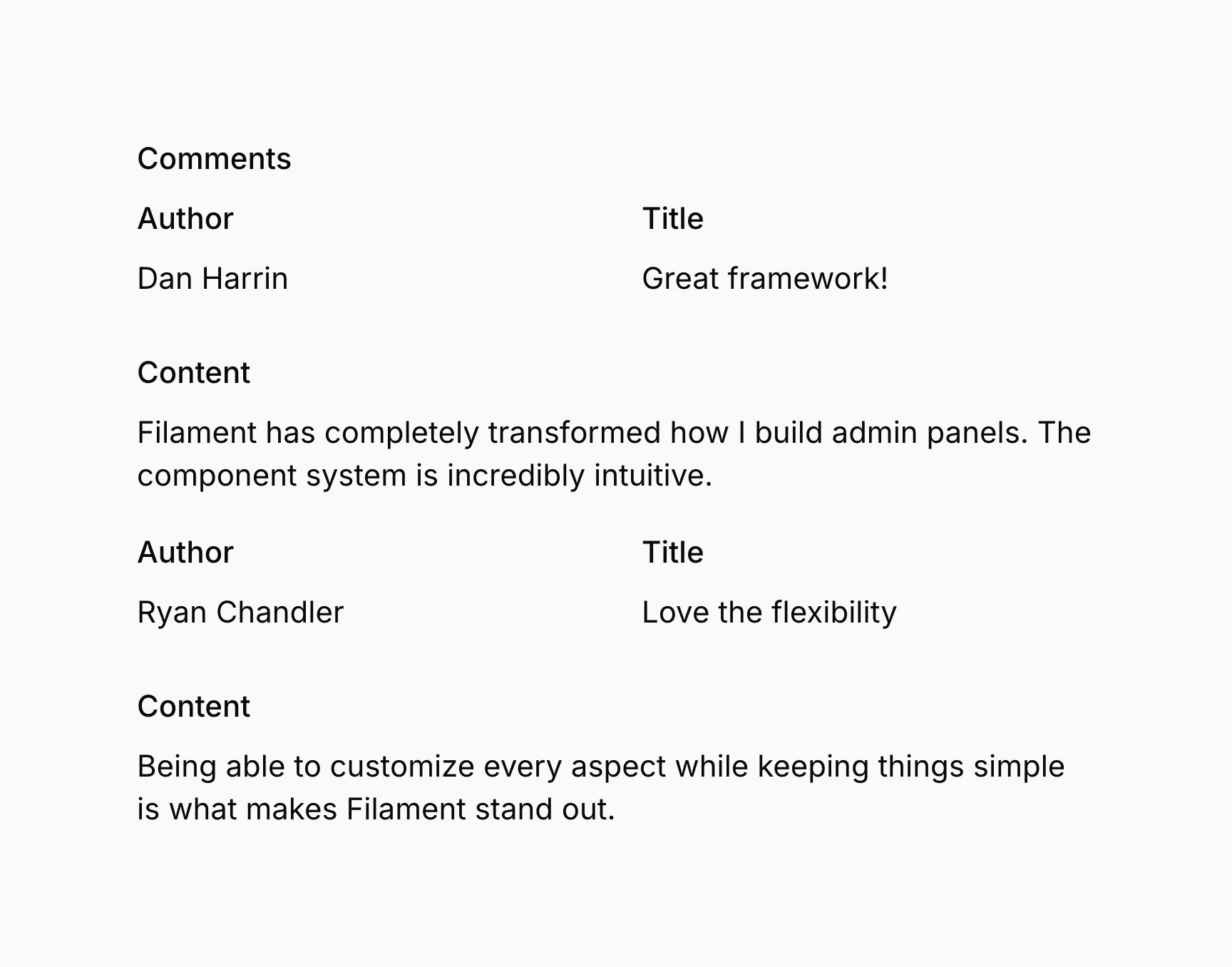
默认情况下,RepeatableEntry 中的每一项都被包装在一个样式为卡片的容器中,你可以使用 contained() 移除样式容器:
use Filament\Infolists\Components\RepeatableEntry;

RepeatableEntry::make('comments')
    ->schema([
        // ...
    ])
    ->contained(false)
除了允许静态值外,contained() 方法也接受一个函数来动态计算其值。你可以将多个 utility 作为参数注入到该函数中。
了解更多 utility 注入详情。 | Utility | 类型 | 参数 | 描述 |
|---|---|---|---|
| Entry | Filament\Infolists\Components\Entry | $component | The current entry component instance. |
| Get function | Filament\Schemas\Components\Utilities\Get | $get | A function for retrieving values from the current schema data. Validation is not run on form fields. |
| Livewire | Livewire\Component | $livewire | The Livewire component instance. |
| Eloquent model FQN | ?string<Illuminate\Database\Eloquent\Model> | $model | The Eloquent model FQN for the current schema. |
| Operation | string | $operation | The current operation being performed by the schema. Usually create, edit, or view. |
| Eloquent record | ?Illuminate\Database\Eloquent\Model | $record | The Eloquent record for the current schema. |
| State | mixed | $state | The current value of the entry. |
表格形式的 RepeatableEntry 布局
你可以使用 table() 方法以表格形式展示 RepeatableEntry 项,该方法接收一个 TableColumn 对象数组。这些对象代表表格的列,对应于条目 Schema 中的任 R意组件:
use Filament\Infolists\Components\IconEntry;
use Filament\Infolists\Components\RepeatableEntry;
use Filament\Infolists\Components\RepeatableEntry\TableColumn;
use Filament\Infolists\Components\TextEntry;

RepeatableEntry::make('comments')
    ->table([
        TableColumn::make('Author'),
        TableColumn::make('Title'),
        TableColumn::make('Published'),
    ])
    ->schema([
        TextEntry::make('author.name'),
        TextEntry::make('title'),
        IconEntry::make('is_published')
            ->boolean(),
    ])
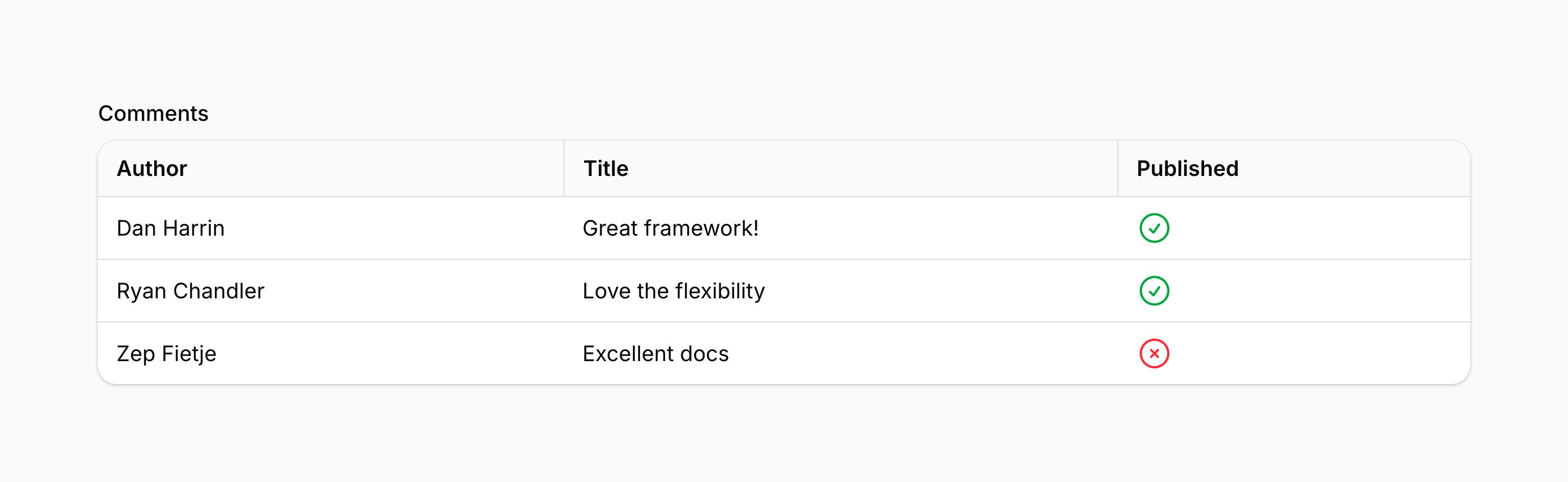
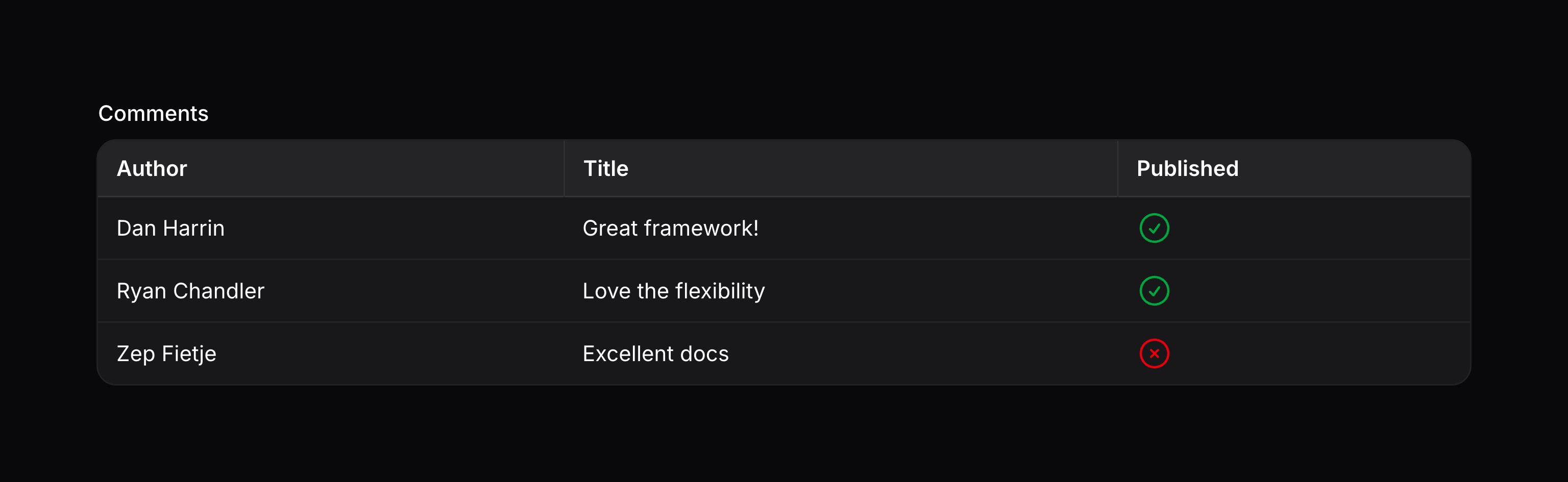
表格表头中显示的标签是传递给 TableColumn::make() 方法的。如果你想为某列提供一个无障碍标签,但不希望将其显示出来,可以使用 hiddenHeaderLabel() 方法:
use Filament\Infolists\Components\RepeatableEntry\TableColumn;

TableColumn::make('Name')
    ->hiddenHeaderLabel()
你可以使用 wrapHeader() 方法启用列标题换行:
use Filament\Infolists\Components\RepeatableEntry\TableColumn;

TableColumn::make('Name')
    ->wrapHeader()
你也可以使用 alignment() 方法调整列标题的对齐方式,并传递 Alignment 选项,该选项可以是 Alignment::Start、Alignment::Center 或 Alignment::End:
use Filament\Infolists\Components\RepeatableEntry\TableColumn;
use Filament\Support\Enums\Alignment;

TableColumn::make('Name')
    ->alignment(Alignment::Center)
你可以使用 width() 方法设置固定的列宽,并传入一个表示列宽的字符串值。该值会直接传递给列标题的 style 属性:
use Filament\Infolists\Components\RepeatableEntry\TableColumn;

TableColumn::make('Name')
    ->width('200px')
Still need help? Join our Discord community or open a GitHub discussion