
资源
创建新记录
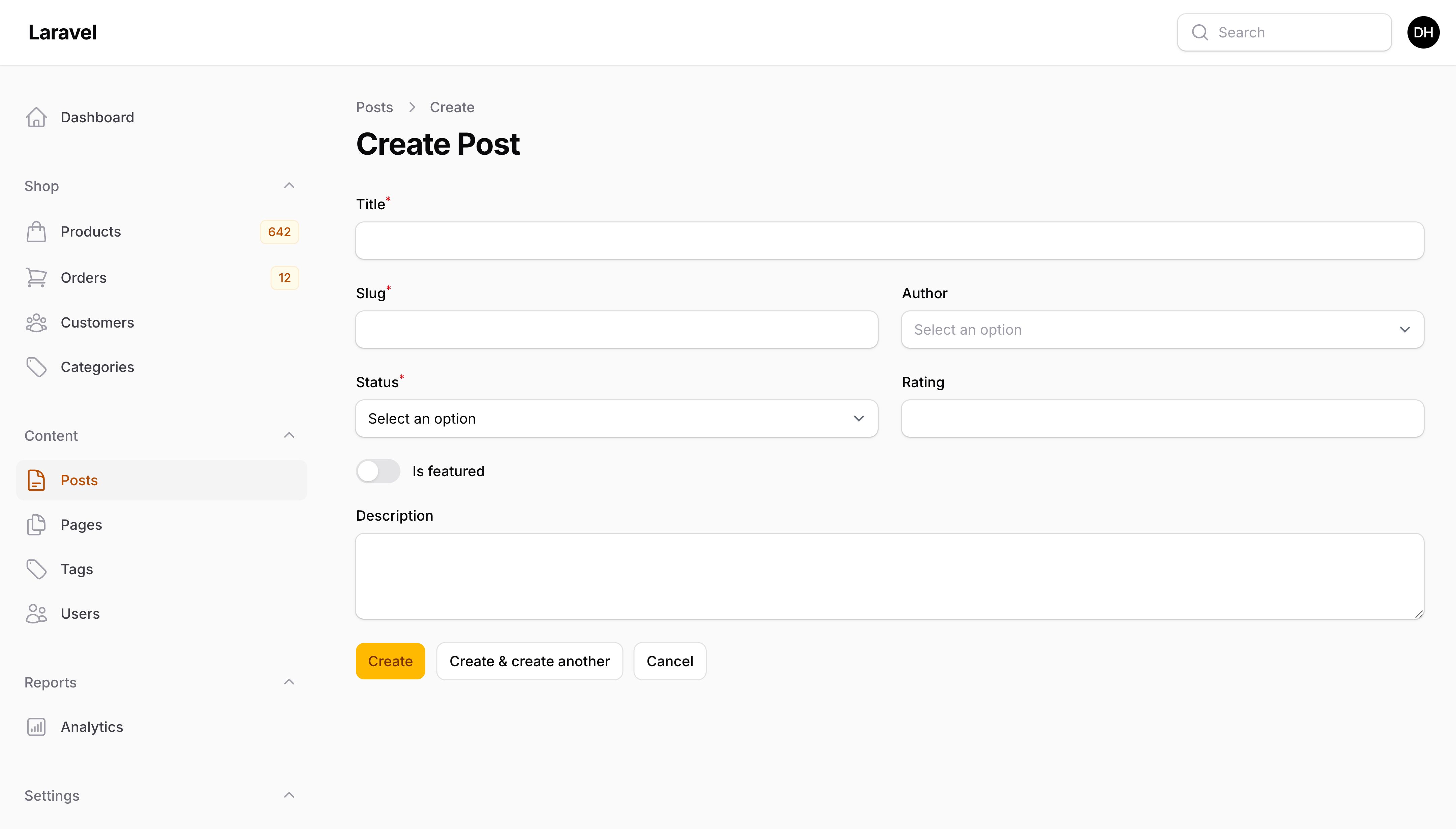
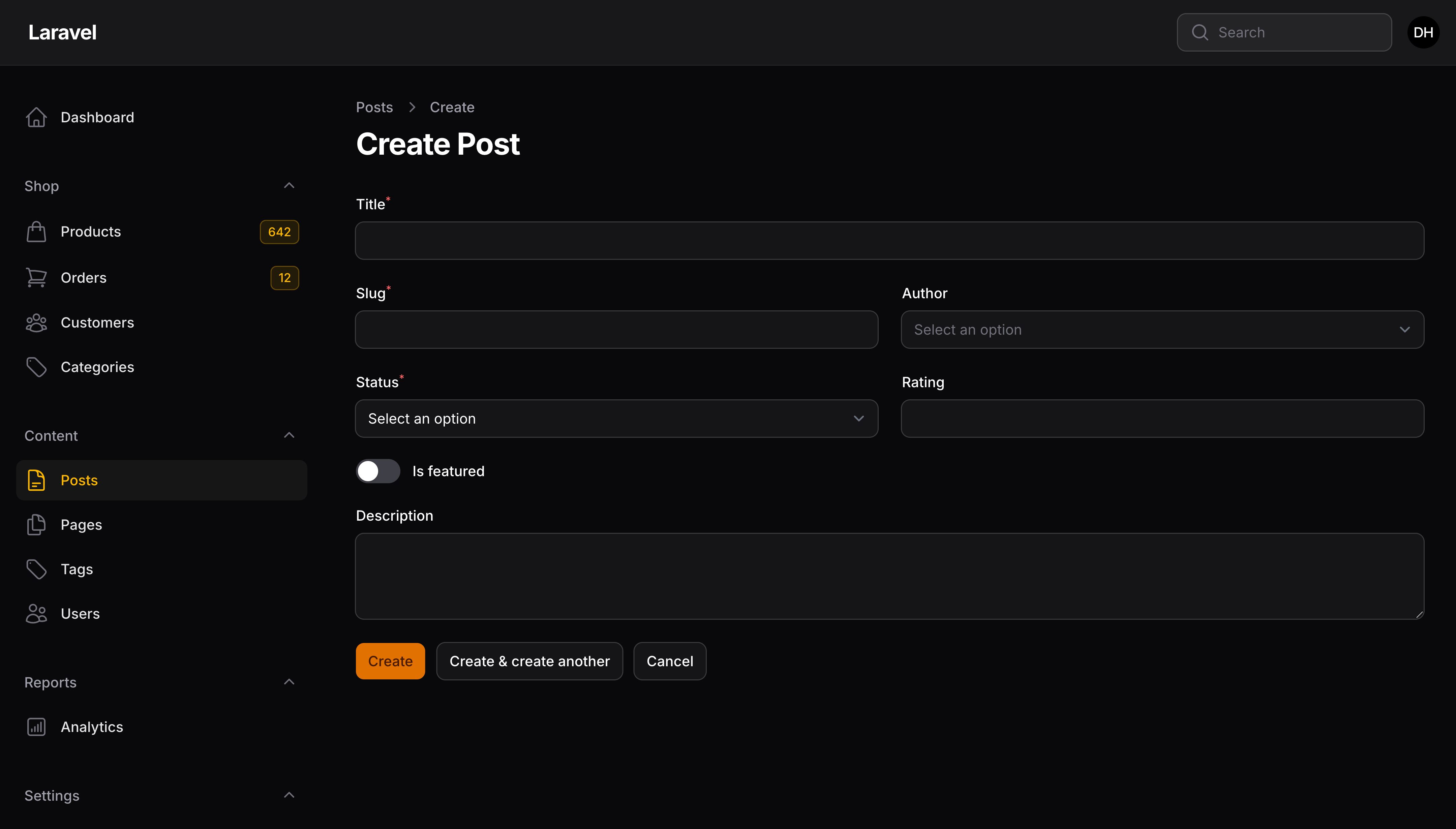
保存前自定义数据
有时,你可能希望在表单数据最终保存到数据库之前对其进行修改。为此,你可以在新建页面类中定义一个 mutateFormDataBeforeCreate() 方法,该方法接受 $data 作为数组,并返回修改后的版本:
protected function mutateFormDataBeforeCreate(array $data): array
{
    $data['user_id'] = auth()->id();

    return $data;
}
或者,如果你在模态操作中创建记录,请查看操作文档。
自定义创建过程
你可以使用新建页面类中的 handleRecordCreation() 方法来调整记录的创建方式:
use Illuminate\Database\Eloquent\Model;

protected function handleRecordCreation(array $data): Model
{
    return static::getModel()::create($data);
}
此外,如果你在模态框 Action 中创建记录,请查看 Action 文档
自定义重定向
默认情况下,在保存表单之后,用户将会重定向到对应资源的编辑页面,或者在视图页面存在的情况下,重定向到[视图页面】(viewing-records)
通过重写新建页面类的 getRedirectUrl() 方法,你可以自定义表单保存后的重定向路径。
比如,表单可以重定向到列表页:
protected function getRedirectUrl(): string
{
    return $this->getResource()::getUrl('index');
}
如果你想重定向到之前的页面,否则重定向到 index 页面:
protected function getRedirectUrl(): string
{
    return $this->previousUrl ?? $this->getResource()::getUrl('index');
}
你可以使用配置来一次性为所有资源定义默认重定向页面:
use Filament\Panel;

public function panel(Panel $panel): Panel
{
    return $panel
        // ...
        ->resourceCreatePageRedirect('index') // or
        ->resourceCreatePageRedirect('view') // or
        ->resourceCreatePageRedirect('edit');
}
自定义保存通知
记录创建成功时,通知会发送给用户,说明用户操作成功。
要自定义通知的标题,请在新建页面类中定义 getCreatedNotificationTitle() 方法:
protected function getCreatedNotificationTitle(): ?string
{
    return 'User registered';
}
此外,如果你要在模态框操作(Action)中创建记录,请查看 Action 文档。
通过重写新建页面类的 getCreatedNotification() 方法自定义整个通知:
use Filament\Notifications\Notification;

protected function getCreatedNotification(): ?Notification
{
    return Notification::make()
        ->success()
        ->title('User registered')
        ->body('The user has been created successfully.');
}
要完全禁用通知,在新建页面类的 getCreatedNotification() 中返回 null:
use Filament\Notifications\Notification;

protected function getCreatedNotification(): ?Notification
{
    return null;
}
创建另一条记录
禁用创建另一个
要禁用“保存并创建另一个”功能,请在新建页面类上将 $canCreateAnother 属性定义为 false:
protected static bool $canCreateAnother = false;
或者,如果你想在功能被禁用时指定一个动态条件,你可以重写新建页面类上的 canCreateAnother() 方法:
public function canCreateAnother(): bool
{
    return false;
}
创建另一个时保留数据
默认情况下,当用户使用“保存并创建另一个”功能时,所有表单数据都会被清除,以便用户可以重新开始。如果你想保留表单中的一些数据,你可以重写 Create 页面类上的 preserveFormDataWhenCreatiingAnother() 方法,并返回你想保留的 $data 数组部分:
use Illuminate\Support\Arr;

protected function preserveFormDataWhenCreatingAnother(array $data): array
{
    return Arr::only($data, ['is_admin', 'organization']);
}
要保留所有数据,返回整个 $data 数组:
protected function preserveFormDataWhenCreatingAnother(array $data): array
{
    return $data;
}
生命周期钩子
钩子用于在页面生命周期的各个结点执行代码,比如表单保存之前。要设置钩子,请使用钩子名在新建页面类创建一个 protected 方法:
protected function beforeCreate(): void
{
    // ...
}
本例中,beforeCreate() 方法内的代码将会在表单数据保存到数据库之前调用。
新建页面有多个钩子可以使用:
use Filament\Resources\Pages\CreateRecord;

class CreateUser extends CreateRecord
{
    // ...

    protected function beforeFill(): void
    {
        // Runs before the form fields are populated with their default values.
    }

    protected function afterFill(): void
    {
        // Runs after the form fields are populated with their default values.
    }

    protected function beforeValidate(): void
    {
        // Runs before the form fields are validated when the form is submitted.
    }

    protected function afterValidate(): void
    {
        // Runs after the form fields are validated when the form is submitted.
    }

    protected function beforeCreate(): void
    {
        // Runs before the form fields are saved to the database.
    }

    protected function afterCreate(): void
    {
        // Runs after the form fields are saved to the database.
    }
}
此外,如果你在模态框 Action 中新建记录,请查阅 Action 文档。
在 Trait 中定义生命周期钩子
要在 trait 中定义生命周期钩子,请在钩子名称后加上 trait 的名称。这遵循了 Eloquent 使用的 boot{TraitName}() 规范和 Livewire 使用的 mount{TraitName}() 约定,允许可重用的 trait 挂钩页面生命周期,而不与页面本身定义的钩子冲突:
use Filament\Resources\Pages\CreateRecord;

trait HandlesDrafts
{
    protected function afterCreateHandlesDrafts(): void
    {
        // Runs after the form fields are saved to the database, in addition
        // to the hook on the page.
    }
}

class CreateUser extends CreateRecord
{
    use HandlesDrafts;

    protected function afterCreate(): void
    {
        // Both lifecycle hooks are called.
    }
}
页面首先调用自己的钩子,然后是每个 trait 钩子。其他 trait 所使用的钩子也会调用。Trait 钩子是自动调用的,所以你不应该也从页面自己的钩子调用它们。
中止创建过程
任何时候,你都可以在生命钩子或者 mutation 方法中调用 $this->halt(),中止整个新建过程:
use Filament\Actions\Action;
use Filament\Notifications\Notification;

protected function beforeCreate(): void
{
    if (! auth()->user()->team->subscribed()) {
        Notification::make()
            ->warning()
            ->title('You don\'t have an active subscription!')
            ->body('Choose a plan to continue.')
            ->persistent()
            ->actions([
                Action::make('subscribe')
                    ->button()
                    ->url(route('subscribe'), shouldOpenInNewTab: true),
            ])
            ->send();

        $this->halt();
    }
}
此外,如果你在模态框 Action 中新建记录,请查阅 Action 文档。
授权
对于授权,Filament 将遵守应用中注册的模型策略。
如果模型策略的 create() 方法返回 true(),则用户可以访问新建页
使用向导卡(Wizard)
你可以将轻松将创建过程转换成多步向导。
在页面类中,添加对应的 HasWizard trait:
use App\Filament\Resources\Categories\CategoryResource;
use Filament\Resources\Pages\CreateRecord;

class CreateCategory extends CreateRecord
{
    use CreateRecord\Concerns\HasWizard;

    protected static string $resource = CategoryResource::class;

    protected function getSteps(): array
    {
        return [
            // ...
        ];
    }
}
在 getSteps() 数组中,返回你的向导步骤:
use Filament\Forms\Components\MarkdownEditor;
use Filament\Forms\Components\TextInput;
use Filament\Forms\Components\Toggle;
use Filament\Schemas\Components\Wizard\Step;

protected function getSteps(): array
{
    return [
        Step::make('Name')
            ->description('Give the category a clear and unique name')
            ->schema([
                TextInput::make('name')
                    ->required()
                    ->live()
                    ->afterStateUpdated(fn ($state, callable $set) => $set('slug', Str::slug($state))),
                TextInput::make('slug')
                    ->disabled()
                    ->required()
                    ->unique(Category::class, 'slug', fn ($record) => $record),
            ]),
        Step::make('Description')
            ->description('Add some extra details')
            ->schema([
                MarkdownEditor::make('description')
                    ->columnSpan('full'),
            ]),
        Step::make('Visibility')
            ->description('Control who can view it')
            ->schema([
                Toggle::make('is_visible')
                    ->label('Visible to customers.')
                    ->default(true),
            ]),
    ];
}
此外,如果你在模态框 Action 中新建记录,请查阅 Action 文档。
现在,可以创建一个新记录来查看向导的运行情况!编辑仍将使用资源类中定义的表单。
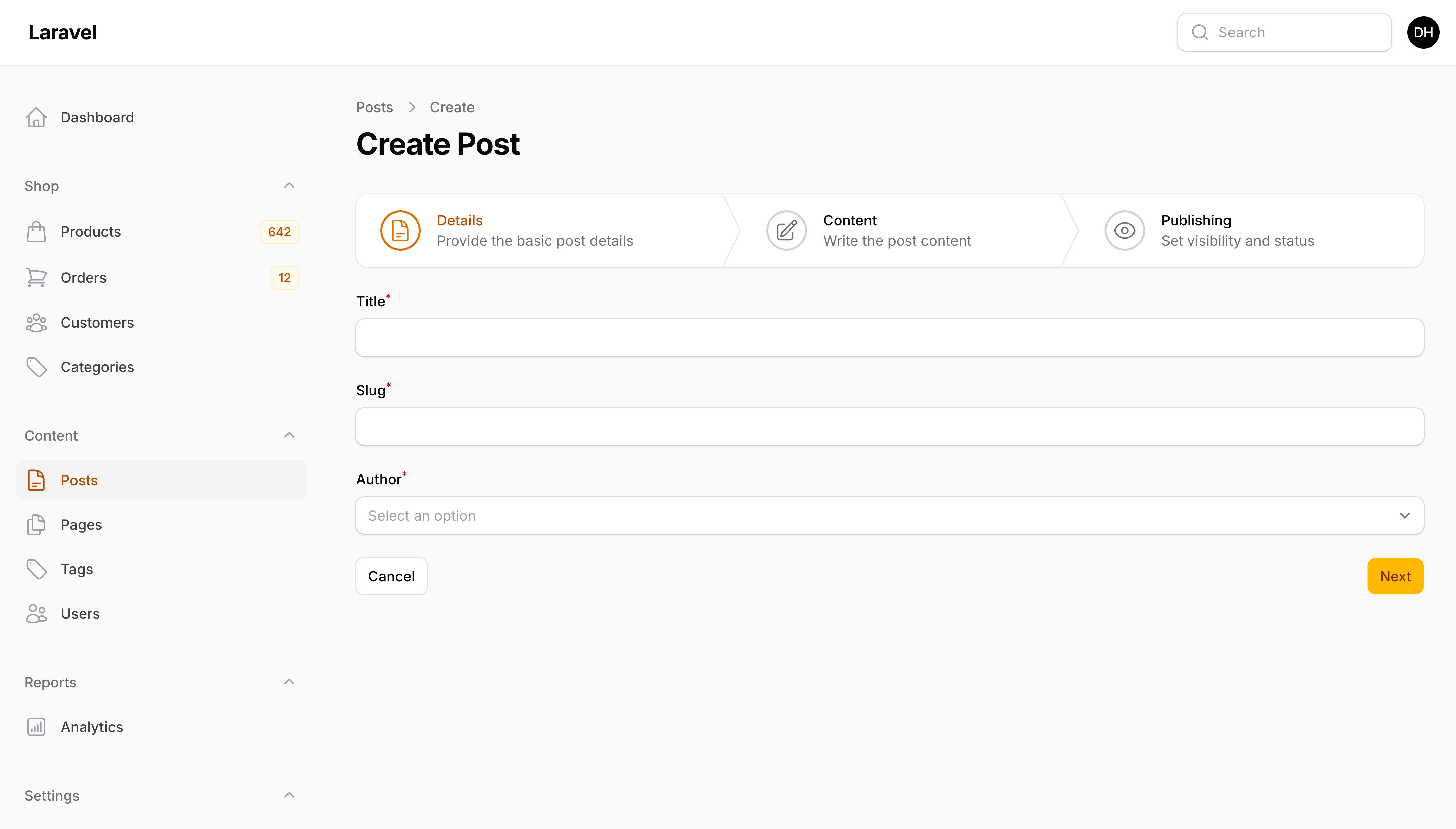
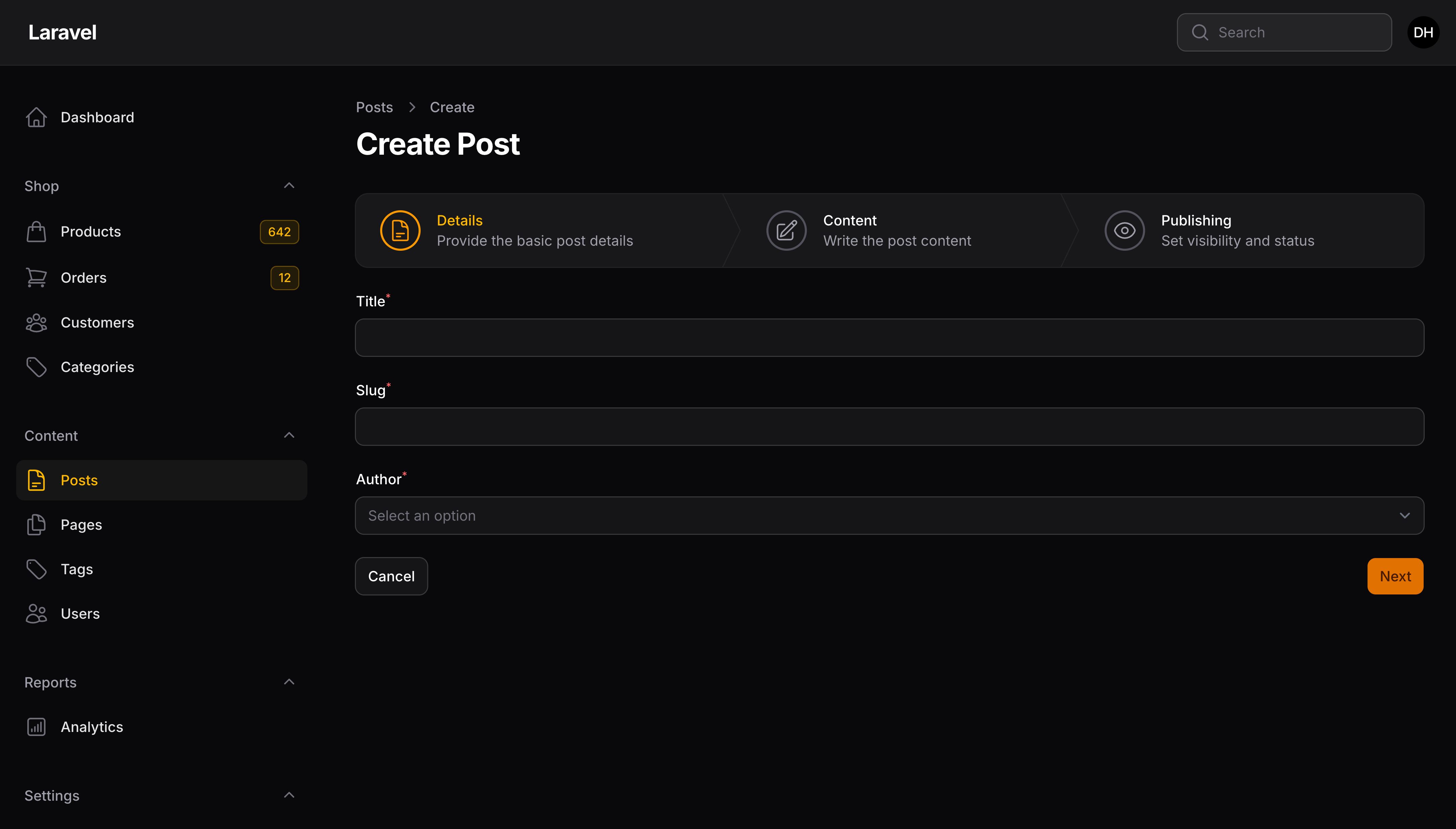
如果你想允许自由导航,所以所有步骤都是可跳过的,请重写 hasSkiptableSteps() 方法:
public function hasSkippableSteps(): bool
{
    return true;
}
表单 Schema 与 Wizard 之间共享字段
如果你想减少资源表单与向导(Wizard)步骤之间的重复,为你的字段提取公共静态表单函数是个不错的方式,通过这个方式你可以在表单 Schema 或者向导中检索字段实例:
use Filament\Forms;
use Filament\Schemas\Schema;

class CategoryForm
{
    public static function configure(Schema $schema): Schema
    {
        return $schema
            ->components([
                static::getNameFormField(),
                static::getSlugFormField(),
                // ...
            ]);
    }

    public static function getNameFormField(): Forms\Components\TextInput
    {
        return TextInput::make('name')
            ->required()
            ->live()
            ->afterStateUpdated(fn ($state, callable $set) => $set('slug', Str::slug($state)));
    }

    public static function getSlugFormField(): Forms\Components\TextInput
    {
        return TextInput::make('slug')
            ->disabled()
            ->required()
            ->unique(Category::class, 'slug', fn ($record) => $record);
    }
}
use App\Filament\Resources\Categories\Schemas\CategoryForm;
use Filament\Resources\Pages\CreateRecord;

class CreateCategory extends CreateRecord
{
    use CreateRecord\Concerns\HasWizard;

    protected static string $resource = CategoryResource::class;

    protected function getSteps(): array
    {
        return [
            Step::make('Name')
                ->description('Give the category a clear and unique name')
                ->schema([
                    CategoryForm::getNameFormField(),
                    CategoryForm::getSlugFormField(),
                ]),
            // ...
        ];
    }
}
导入资源记录
Filament 引入了 ImportAction,你可以将其添加到列表页的 getHeaderActions() 中。它允许用户上传 CSV 数据将其导入到资源中:
use App\Filament\Imports\ProductImporter;
use Filament\Actions;

protected function getHeaderActions(): array
{
    return [
        Actions\ImportAction::make()
            ->importer(ProductImporter::class),
        Actions\CreateAction::make(),
    ];
}
需要创建导入器(Importer)类告知 Filament 如何导入 CSV 的各行数据。更多关于 ImportAction 的详细信息,请查看 Action 文档。
自定义 Action
“Action” 是页面上展示的按钮,它允许用户在页面上运行 Livewire 方法或者访问 URL。
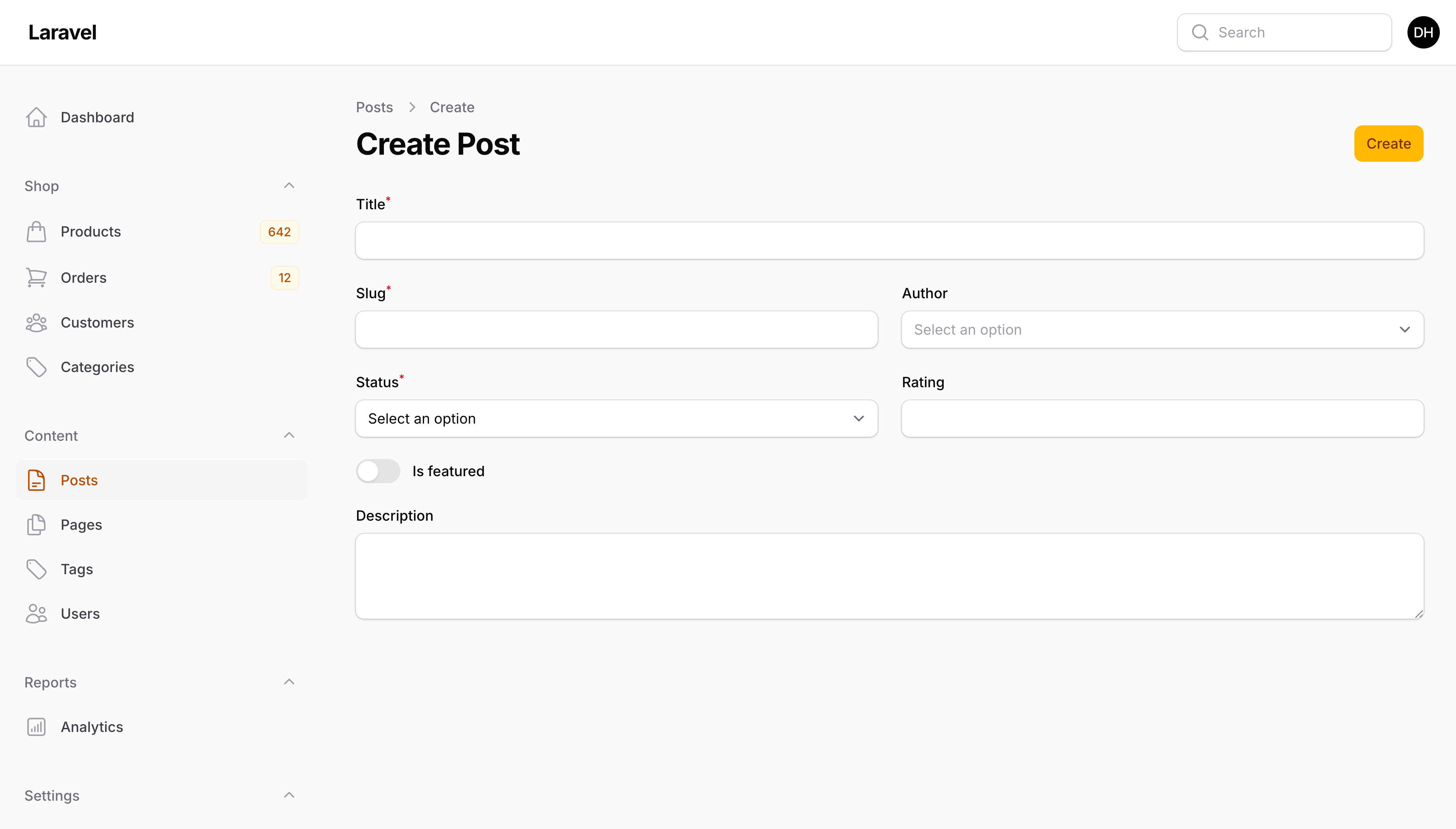
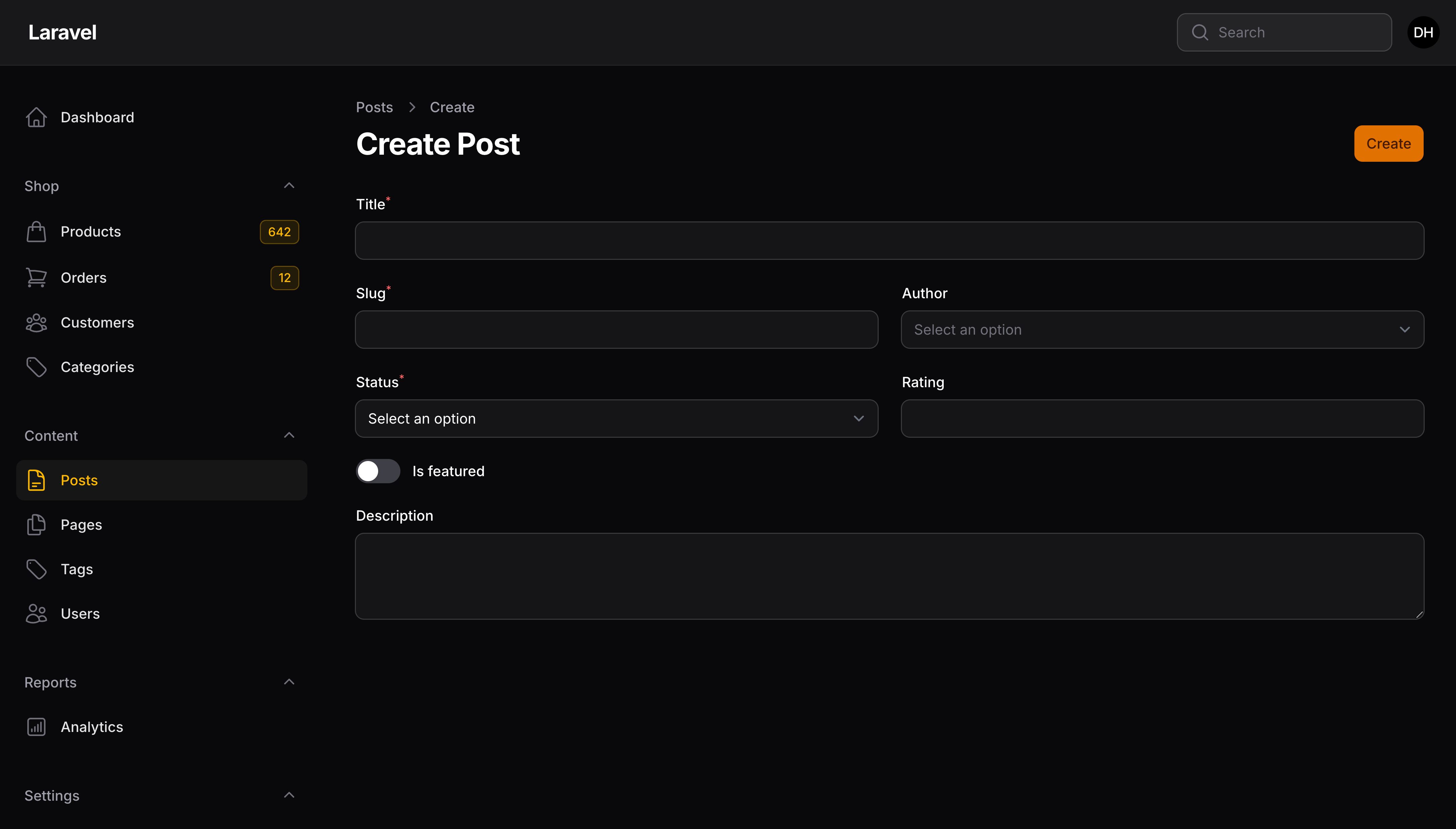
在资源页上,Action 通常在两个位置上:在页面右上角或者表单下方。
比如,你可以在新建页面的 Header 上添加一个新的按钮 Action:
use App\Filament\Imports\UserImporter;
use Filament\Actions;
use Filament\Resources\Pages\CreateRecord;

class CreateUser extends CreateRecord
{
    // ...

    protected function getHeaderActions(): array
    {
        return [
            Actions\ImportAction::make()
                ->importer(UserImporter::class),
        ];
    }
}
或者,在表单下方的”新建”按钮旁边添加一个新按钮:
use Filament\Actions\Action;
use Filament\Resources\Pages\CreateRecord;

class CreateUser extends CreateRecord
{
    // ...

    protected function getFormActions(): array
    {
        return [
            ...parent::getFormActions(),
            Action::make('close')->action('createAndClose'),
        ];
    }

    public function createAndClose(): void
    {
        // ...
    }
}
要了解完整的 Action API,请访问页面 Action
在 Header 中添加创建操作按钮
可以通过重写 getHeaderActions() 方法并使用 getCreateFormAction() 将“创建”按钮移至页面顶部。你需要将 formId() 传递给该操作,以指定该操作要提交的表单的 form ID,该 ID 即页面视图中使用的 <form> ID:
protected function getHeaderActions(): array
{
    return [
        $this->getCreateFormAction()
            ->formId('form'),
    ];
}
你可以通过重写 getFormActions() 方法使之返回一个空数组来从表单中删除所有操作:
protected function getFormActions(): array
{
    return [];
}
自定义页面内容
Filament 中的每个页面都有自己的 Schema,它定义了页面的整体结构和内容。你可以通过在页面上定义 content() 方法来重写页面的 Schema。Create 页面的 content() 方法默认包含以下组件:
use Filament\Schemas\Schema;

public function content(Schema $schema): Schema
{
    return $schema
        ->components([
            $this->getFormContentComponent(), // This method returns a component to display the form that is defined in this resource
        ]);
}
在 components() 数组中,你可以插入任何 Schema 组件。你可以通过更改数组的顺序来重新排序组件,或者删除任何不需要的组件。
使用自定义 Blade 视图
为进一步自定义,你可以重写页面类上的静态 $view 属以自定义应用中的视图:
protected string $view = 'filament.resources.users.pages.create-user';
这假定你已经创建了一个视图:resources/views/filament/resources/users/pages/create-user.blade.php:
<x-filament-panels::page>
    {{ $this->content }} {{-- This will render the content of the page defined in the `content()` method, which can be removed if you want to start from scratch --}}
</x-filament-panels::page>
Still need help? Join our Discord community or open a GitHub discussion