
表格 - Column
Text input column
简介
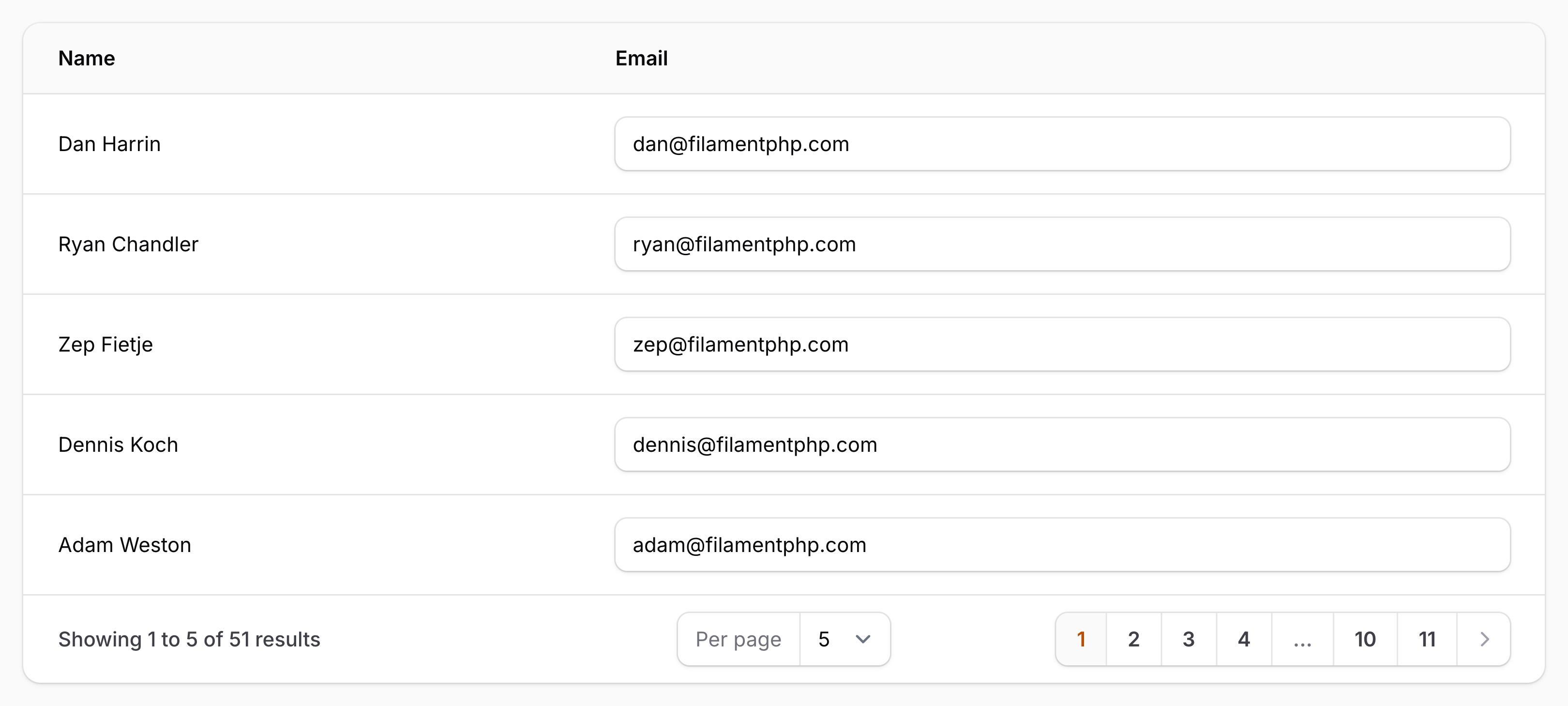
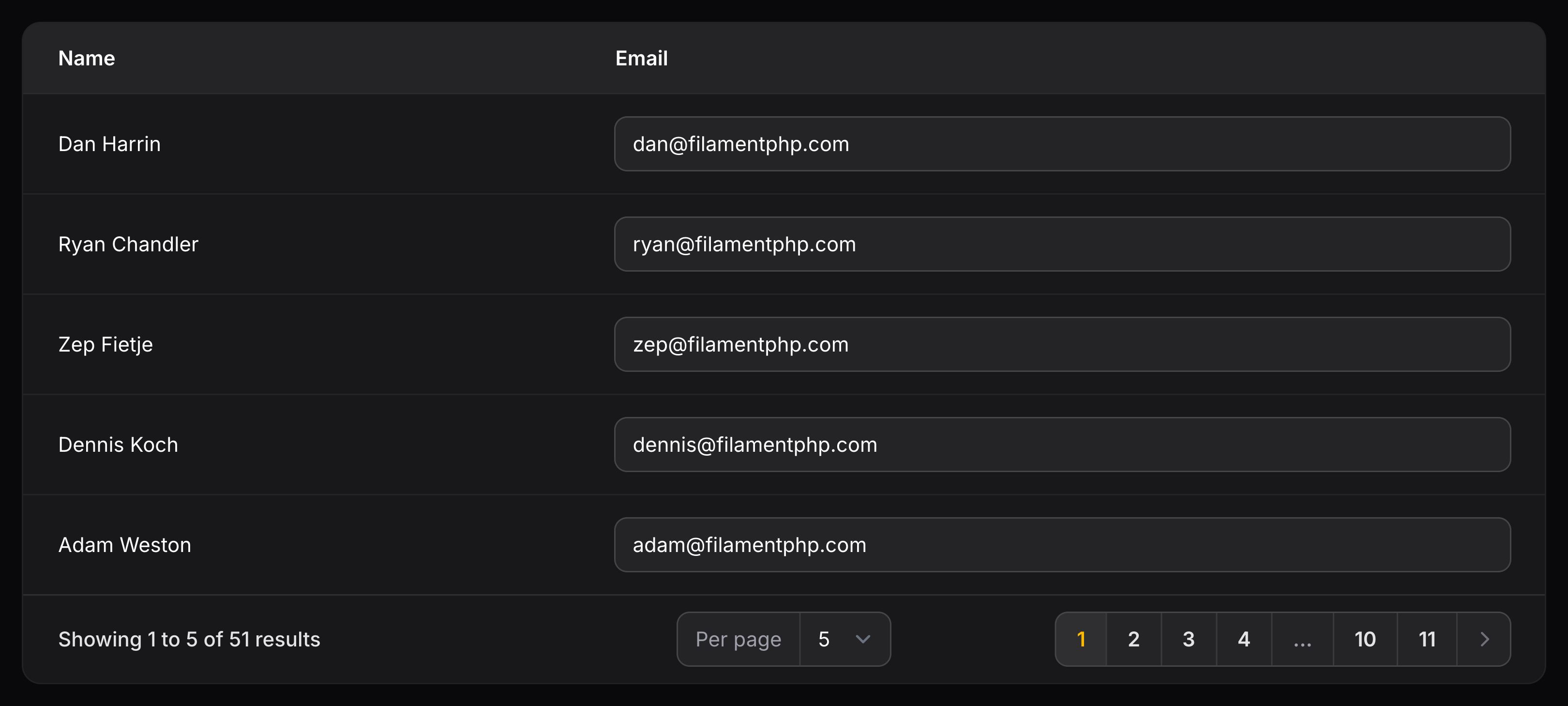
文本输入列(TextInputColumn)允许你在表格中渲染文本输入框,可用于在不打开新页面或模态框的情况下更新数据库记录:
use Filament\Tables\Columns\TextInputColumn;

TextInputColumn::make('email')
验证
你可以使用数组传入任何 Laravel 验证规则,对输入进行验证:
use Filament\Tables\Columns\TextInputColumn;

TextInputColumn::make('name')
    ->rules(['required', 'max:255'])
自定义 HTML Input 类型
你可以使用 type() 方法传递自定义 HTML Input 类型:
use Filament\Tables\Columns\TextInputColumn;

TextInputColumn::make('background_color')->type('color')
设置 HTML 输入模式
你可以使用 inputMode() 方法来设置 HTML inputmode 属性,该属性用于提示移动设备上应显示的键盘类型。对于数值输入,若需输入小数,请使用 inputMode('decimal');若需输入整数,请使用 inputMode('numeric'):
use Filament\Tables\Columns\TextInputColumn;

TextInputColumn::make('quantity')
    ->type('number')
    ->inputMode('decimal')
设置数值步长
当使用 type('number') 时,可以使用 step() 方法来设置 HTML step 属性。对于小数值,请使用 step('any');对于整数,请使用 step('1'):
use Filament\Tables\Columns\TextInputColumn;

TextInputColumn::make('quantity')
    ->type('number')
    ->inputMode('decimal')
    ->step('1')
在输入框旁添加前后缀文本
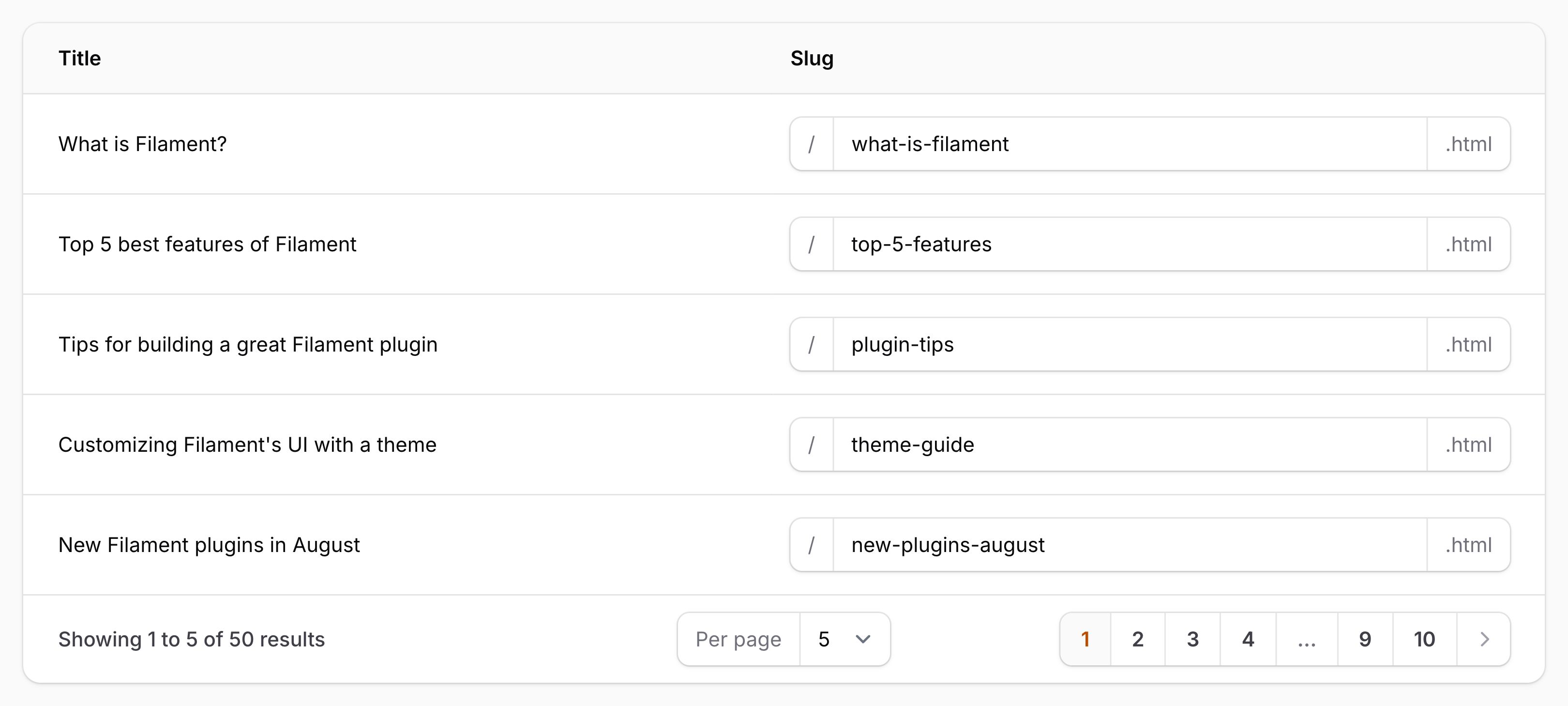
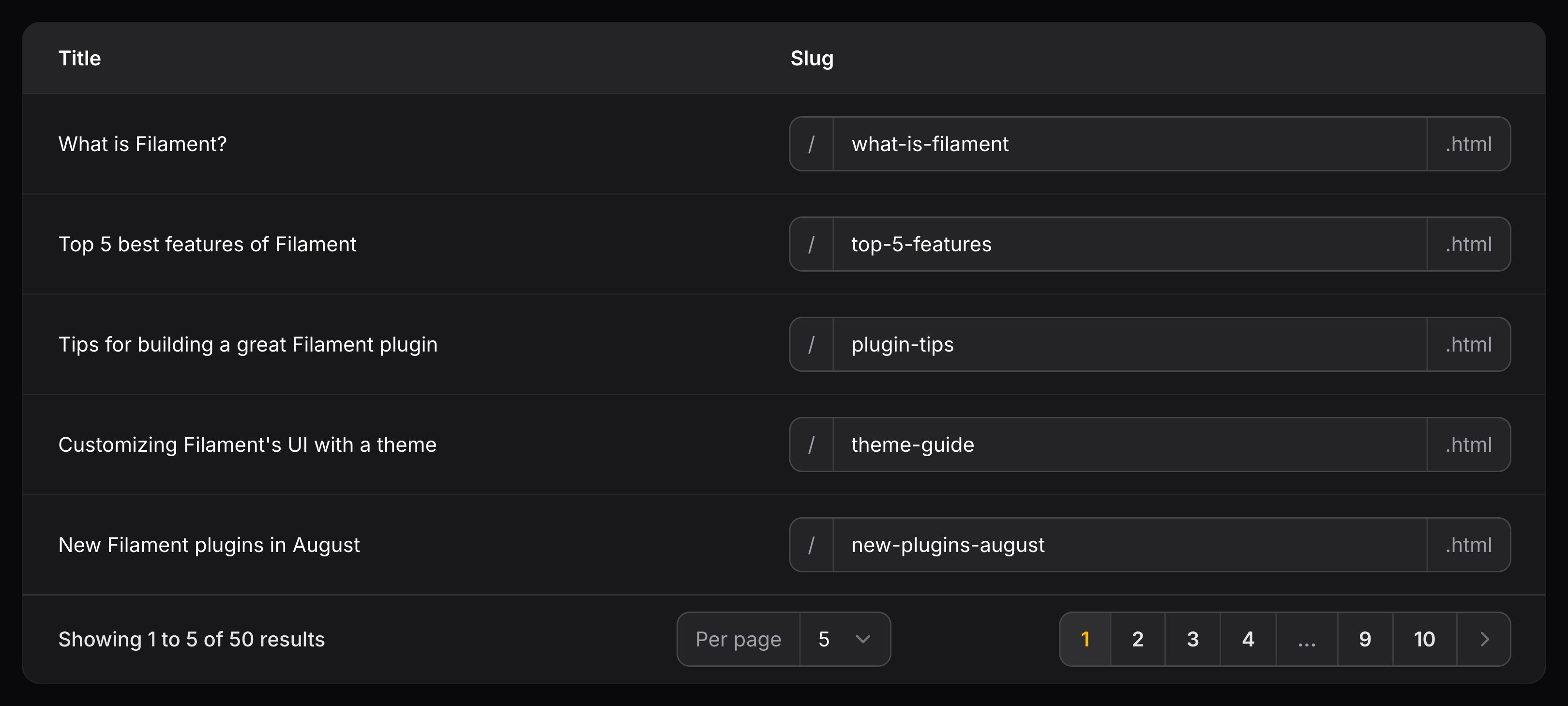
你可以使用 prefix() 和 suffix() 方法在输入框前后放置文本:
use Filament\Tables\Columns\TextInputColumn;

TextInputColumn::make('domain')
    ->prefix('https://')
    ->suffix('.com')
除了允许静态值之外,prefix() and suffix() 方法也接受函数来动态计算它们的值。你可以将各种 utility 作为参数注入到函数中。
了解更多 utility 注入详情。 | Utility | 类型 | 参数 | 描述 |
|---|---|---|---|
| Column | Filament\Tables\Columns\Column | $column | The current column instance. |
| Livewire | Livewire\Component | $livewire | The Livewire component instance. |
| Eloquent record | ?Illuminate\Database\Eloquent\Model | $record | The Eloquent record for the current table row. |
| Row loop | stdClass | $rowLoop | The row loop object for the current table row. |
| State | mixed | $state | The current value of the column, based on the current table row. |
| Table | Filament\Tables\Table | $table | The current table instance. |
使用图标作为前后缀
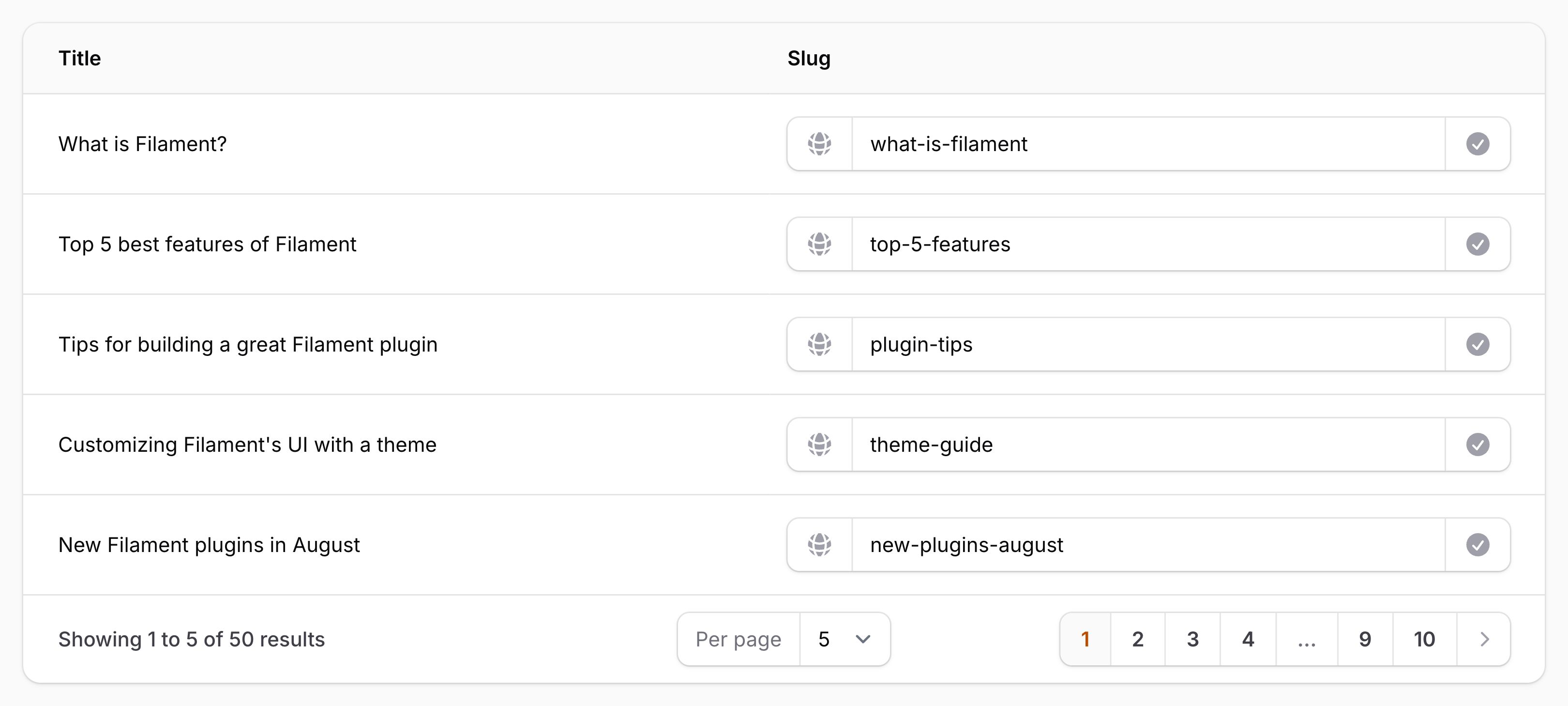
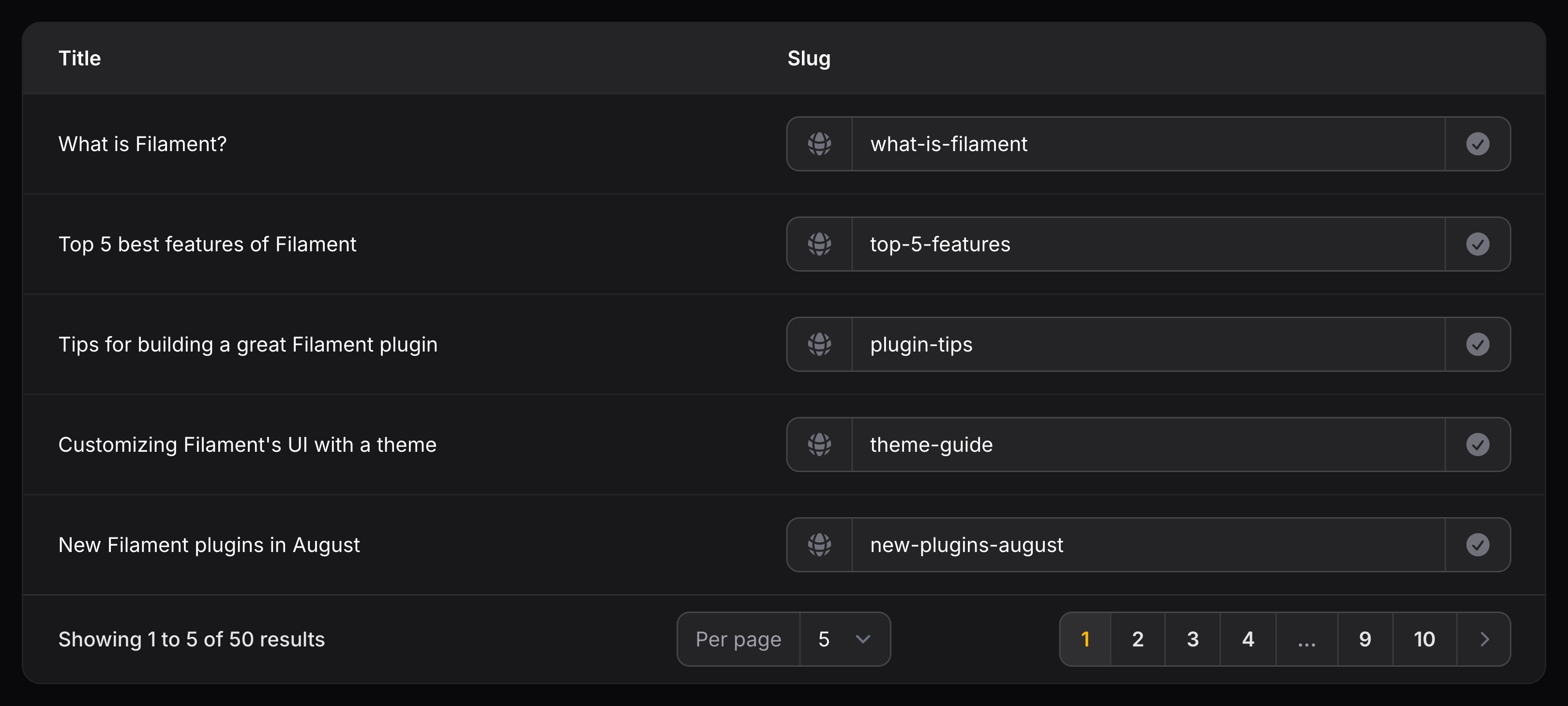
你可以使用 prefixIcon() 和 suffixIcon() 方法,在输入框的前后放置图标:
use Filament\Tables\Columns\TextInputColumn;
use Filament\Support\Icons\Heroicon;

TextInputColumn::make('domain')
    ->prefixIcon(Heroicon::GlobeAlt)
    ->suffixIcon(Heroicon::CheckCircle)
除了允许静态值之外,prefixIcon() 和 suffixIcon() 方法也接受函数来动态计算它们的值。你可以将各种 utility 作为参数注入到函数中。
了解更多 utility 注入详情。 | Utility | 类型 | 参数 | 描述 |
|---|---|---|---|
| Column | Filament\Tables\Columns\Column | $column | The current column instance. |
| Livewire | Livewire\Component | $livewire | The Livewire component instance. |
| Eloquent record | ?Illuminate\Database\Eloquent\Model | $record | The Eloquent record for the current table row. |
| Row loop | stdClass | $rowLoop | The row loop object for the current table row. |
| State | mixed | $state | The current value of the column, based on the current table row. |
| Table | Filament\Tables\Table | $table | The current table instance. |
设置附加图标颜色
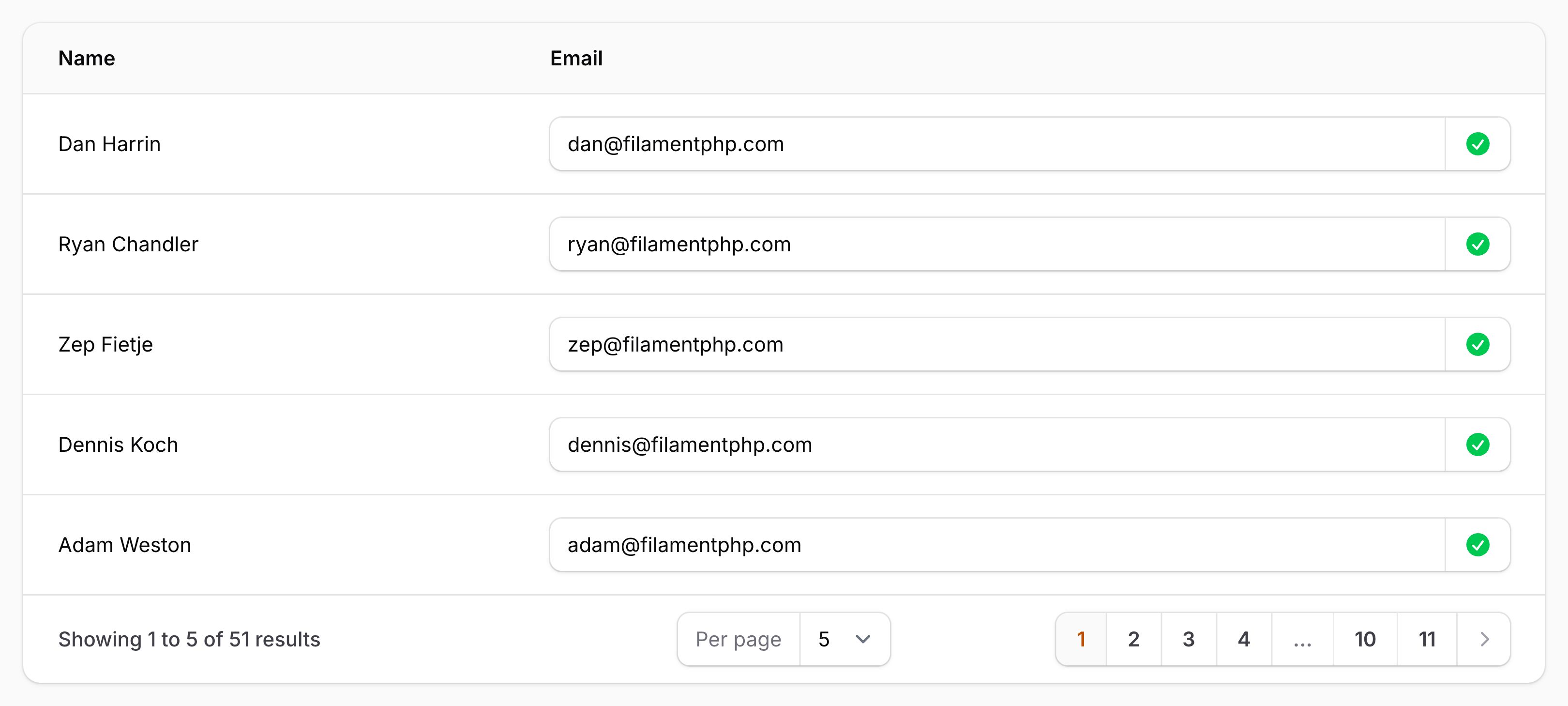
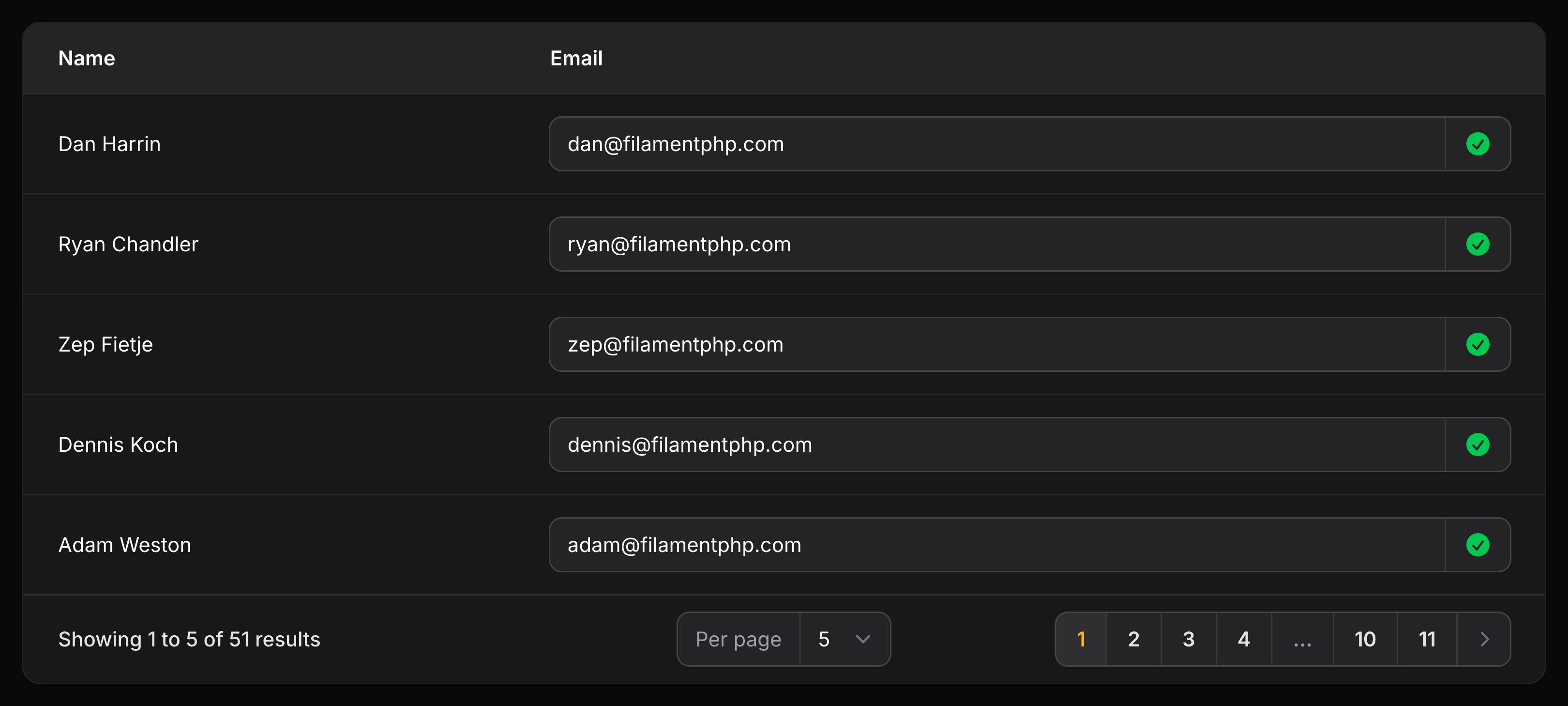
前后缀图标默认为灰色,但你可以使用 prefixIconColor() 和 suffixIconColor() 方法设置其他颜色:
use Filament\Tables\Columns\TextInputColumn;
use Filament\Support\Icons\Heroicon;

TextInputColumn::make('status')
    ->suffixIcon(Heroicon::CheckCircle)
    ->suffixIconColor('success')
除了允许静态值之外,prefixIconColor() 和 suffixIconColor() 方法也接受函数来动态计算它们的值。你可以将各种 utility 作为参数注入到函数中。
了解更多 utility 注入详情。 | Utility | 类型 | 参数 | 描述 |
|---|---|---|---|
| Column | Filament\Tables\Columns\Column | $column | The current column instance. |
| Livewire | Livewire\Component | $livewire | The Livewire component instance. |
| Eloquent record | ?Illuminate\Database\Eloquent\Model | $record | The Eloquent record for the current table row. |
| Row loop | stdClass | $rowLoop | The row loop object for the current table row. |
| State | mixed | $state | The current value of the column, based on the current table row. |
| Table | Filament\Tables\Table | $table | The current table instance. |
生命周期钩子
钩子可以在输入框的生命周期的各个节点中使用以执行代码:
TextInputColumn::make()
    ->beforeStateUpdated(function ($record, $state) {
        // Runs before the state is saved to the database.
    })
    ->afterStateUpdated(function ($record, $state) {
        // Runs after the state is saved to the database.
    })
安全性
授权
文本输入列在保存更改之前,不会自动检查 Laravel 模型策略。当用户通过文本输入列更新值时,Filament 仅检查该列是否处于 disabled()(禁用)状态,而不会执行任何 update 策略检查。这意味着,只要用户能在表格中看到某条记录且该列未被禁用,他们就能更新该列的值,而无论你定义了何种 update 策略。如果你需要限制谁可以编辑此列,应使用 disabled() 方法,根据自定义的授权逻辑有条件地禁止编辑;例如:disabled(fn ($record) => $record->user_id !== auth()->id())。或者,也可以考虑使用完整的编辑页面或模态框操作,因为在这些场景下会强制执行 Filament 的资源授权机制。
Still need help? Join our Discord community or open a GitHub discussion