
Resources
Listing records
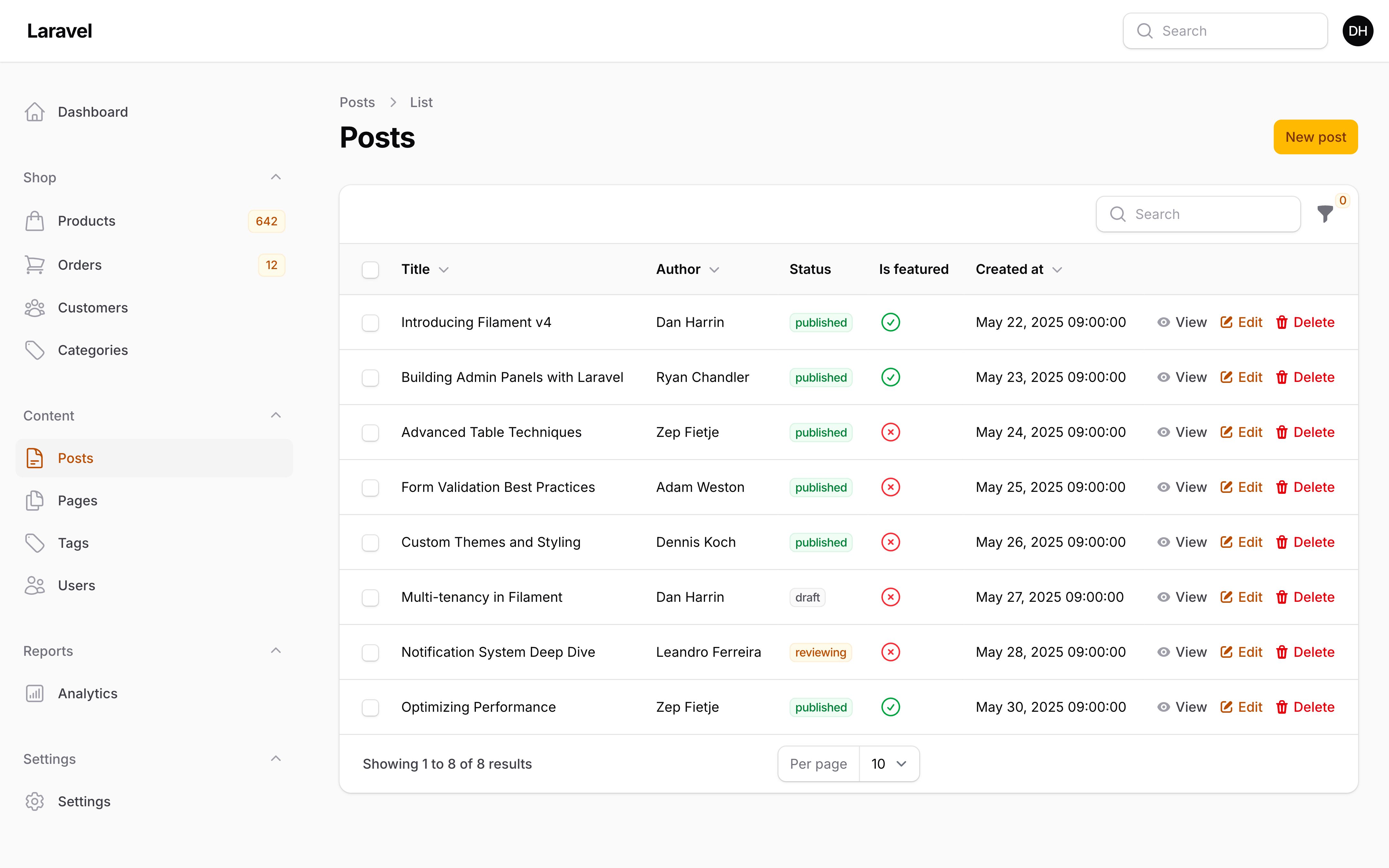
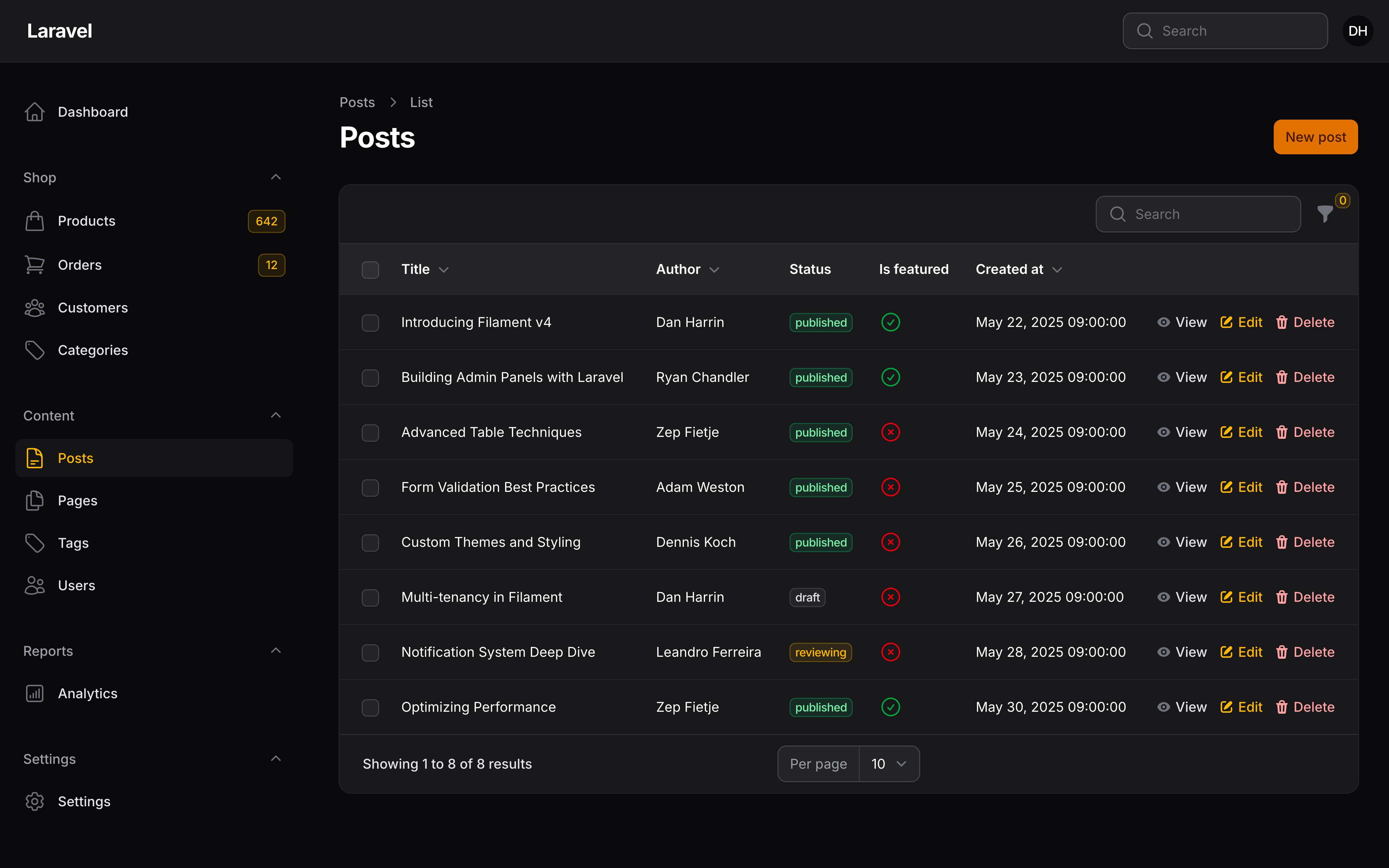
Using tabs to filter the records
You can add tabs above the table, which can be used to filter the records based on some predefined conditions. Each tab can scope the Eloquent query of the table in a different way. To register tabs, add a getTabs() method to the List page class, and return an array of Tab objects:
use Filament\Schemas\Components\Tabs\Tab;
use Illuminate\Database\Eloquent\Builder;

public function getTabs(): array
{
    return [
        'all' => Tab::make(),
        'active' => Tab::make()
            ->modifyQueryUsing(fn (Builder $query) => $query->where('active', true)),
        'inactive' => Tab::make()
            ->modifyQueryUsing(fn (Builder $query) => $query->where('active', false)),
    ];
}
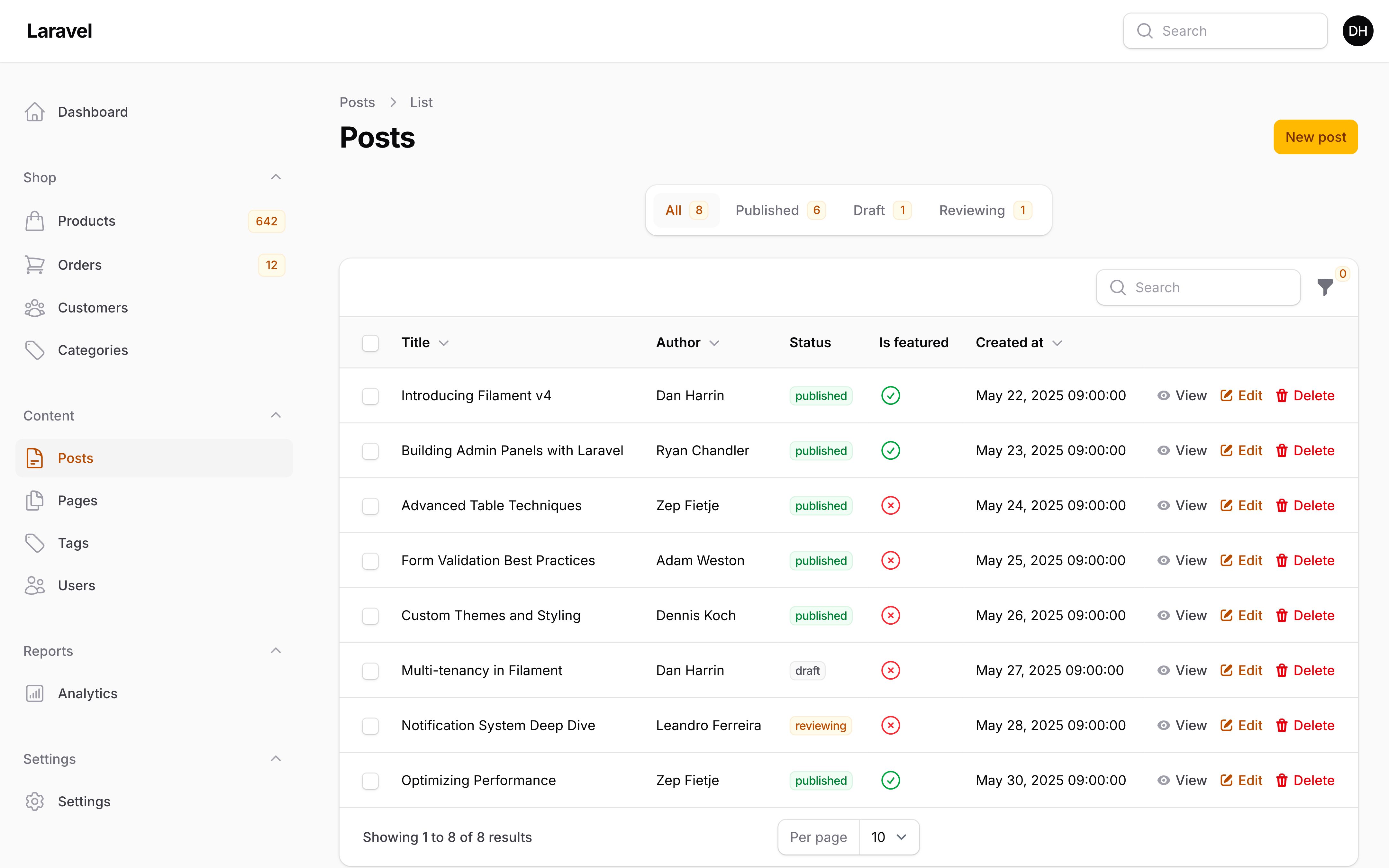
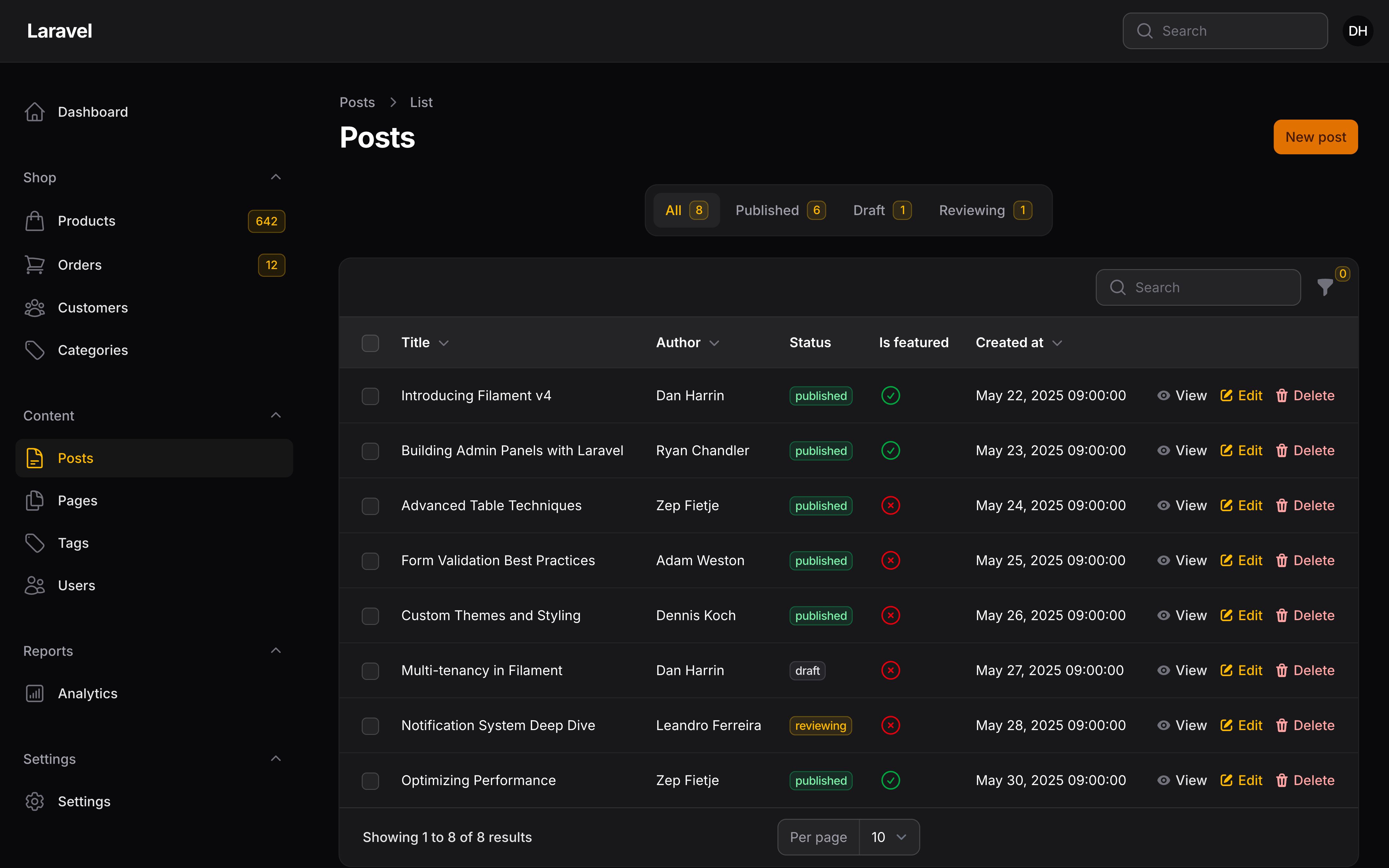
Customizing the filter tab labels
The keys of the array will be used as identifiers for the tabs, so they can be persisted in the URL’s query string. The label of each tab is also generated from the key, but you can override that by passing a label into the make() method of the tab:
use Filament\Schemas\Components\Tabs\Tab;
use Illuminate\Database\Eloquent\Builder;

public function getTabs(): array
{
    return [
        'all' => Tab::make('All customers'),
        'active' => Tab::make('Active customers')
            ->modifyQueryUsing(fn (Builder $query) => $query->where('active', true)),
        'inactive' => Tab::make('Inactive customers')
            ->modifyQueryUsing(fn (Builder $query) => $query->where('active', false)),
    ];
}
Adding icons to filter tabs
You can add icons to the tabs by passing an icon into the icon() method of the tab:
use Filament\Schemas\Components\Tabs\Tab;

Tab::make()
    ->icon('heroicon-m-user-group')
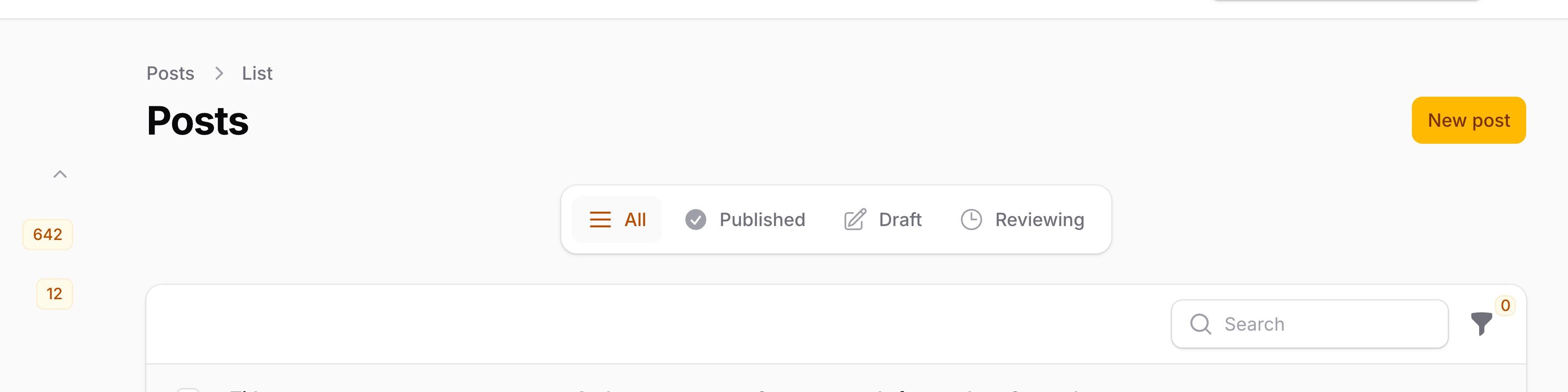
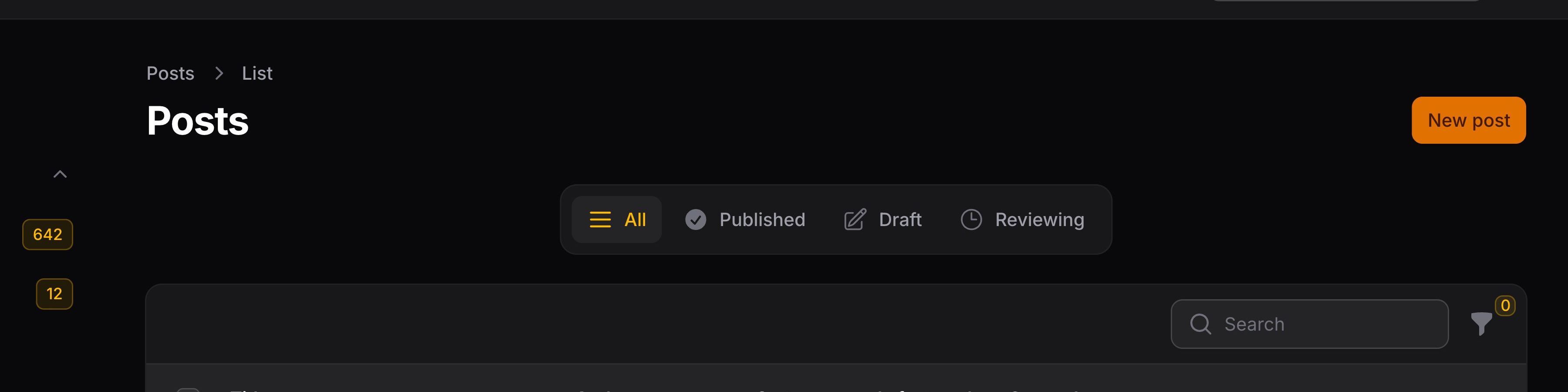
You can also change the icon’s position to be after the label instead of before it, using the iconPosition() method:
use Filament\Support\Enums\IconPosition;

Tab::make()
    ->icon('heroicon-m-user-group')
    ->iconPosition(IconPosition::After)
Adding badges to filter tabs
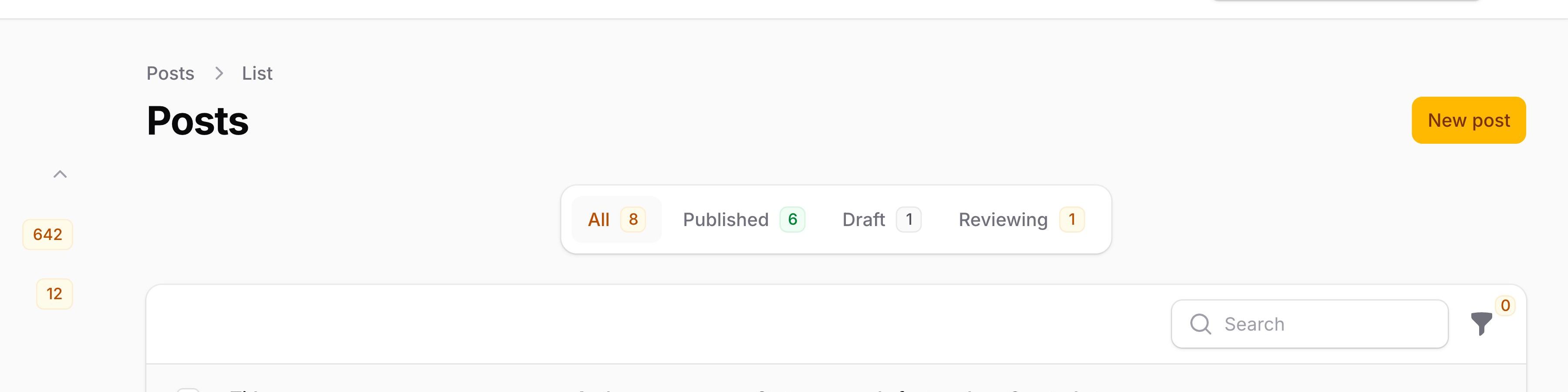
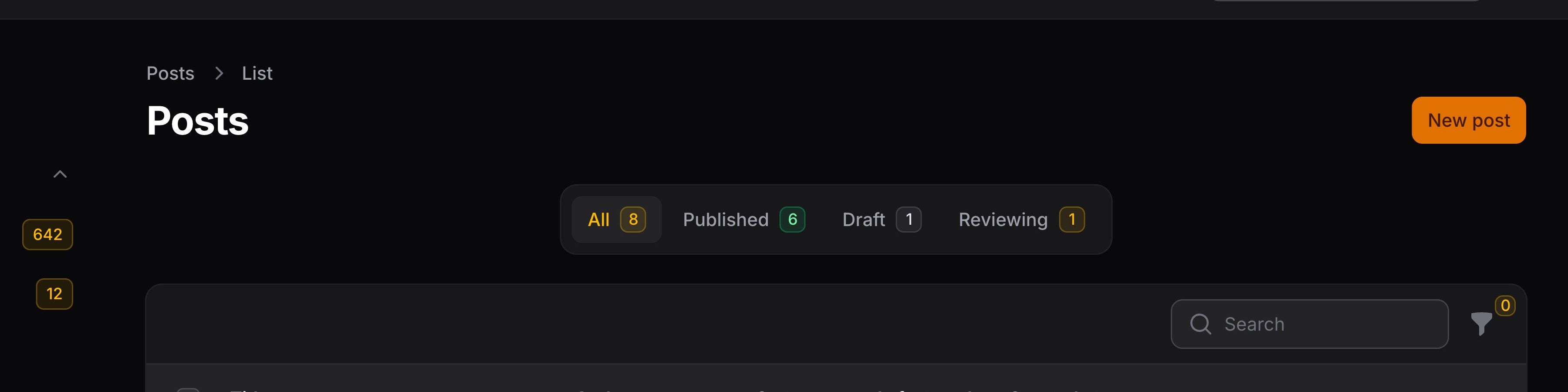
You can add badges to the tabs by passing a string into the badge() method of the tab:
use Filament\Schemas\Components\Tabs\Tab;

Tab::make()
    ->badge(Customer::query()->where('active', true)->count())
Changing the color of filter tab badges
The color of a badge may be changed using the badgeColor() method:
use Filament\Schemas\Components\Tabs\Tab;

Tab::make()
    ->badge(Customer::query()->where('active', true)->count())
    ->badgeColor('success')
As well as allowing a static value, the badgeColor() method also accepts a function to dynamically calculate it. You can inject various utilities into the function as parameters.
Learn more about utility injection. | Utility | Type | Parameter | Description |
|---|---|---|---|
| Badge | ?string | $badge | The evaluated value of the badge. |
| Component | Filament\Schemas\Components\Component | $component | The current component instance. |
| Get function | Filament\Schemas\Components\Utilities\Get | $get | A function for retrieving values from the current schema data. Validation is not run on form fields. |
| Livewire | Livewire\Component | $livewire | The Livewire component instance. |
| Eloquent model FQN | ?string<Illuminate\Database\Eloquent\Model> | $model | The Eloquent model FQN for the current schema. |
| Operation | string | $operation | The current operation being performed by the schema. Usually create, edit, or view. |
| Eloquent record | ?Illuminate\Database\Eloquent\Model | $record | The Eloquent record for the current schema. |
Deferring the loading of filter tab badges
If you have expensive queries powering your tab badges (such as counting large datasets), the initial page load may be slow. You can defer the loading of tab badges using the deferBadge() method, which will load the badge values asynchronously after the page has rendered:
use Filament\Schemas\Components\Tabs\Tab;

Tab::make()
    ->badge(static fn (): int => Customer::query()->where('active', true)->count())
    ->deferBadge()
NOTE
The badge() value must be returned from a function when using deferBadge(). If you pass a raw value like badge(Customer::query()->count()), the query runs immediately when the tab is built, defeating the purpose of deferral.
While the badges are loading, a small loading indicator will appear in place of each deferred badge. Once the data is fetched, the loading indicators will be replaced with the actual badge values.
Adding extra attributes to filter tabs
You may also pass extra HTML attributes to filter tabs using extraAttributes():
use Filament\Schemas\Components\Tabs\Tab;

Tab::make()
    ->extraAttributes(['data-cy' => 'statement-confirmed-tab'])
Customizing the default tab
To customize the default tab that is selected when the page is loaded, you can return the array key of the tab from the getDefaultActiveTab() method:
use Filament\Schemas\Components\Tabs\Tab;

public function getTabs(): array
{
    return [
        'all' => Tab::make(),
        'active' => Tab::make(),
        'inactive' => Tab::make(),
    ];
}

public function getDefaultActiveTab(): string | int | null
{
    return 'active';
}
Excluding the tab query when resolving records
When a user interacts with a table record (e.g., clicking an action button), Filament resolves that record from the database. By default, the active tab’s query is applied, ensuring users cannot access records outside the current tab’s scope.
However, when a record’s state changes after the user saw it in the table, you may still want the user to interact with it. For example, if you have an “Active” tab and an action sets a record to inactive, subsequent actions in the same modal would fail to resolve that record.
You may mark a tab to be excluded when resolving records using the excludeQueryWhenResolvingRecord() method:
use Filament\Schemas\Components\Tabs\Tab;
use Illuminate\Database\Eloquent\Builder;

public function getTabs(): array
{
    return [
        'active' => Tab::make()
            ->modifyQueryUsing(fn (Builder $query) => $query->where('active', true))
            ->excludeQueryWhenResolvingRecord(),
        'inactive' => Tab::make()
            ->modifyQueryUsing(fn (Builder $query) => $query->where('active', false))
            ->excludeQueryWhenResolvingRecord(),
    ];
}
NOTE
Do not use excludeQueryWhenResolvingRecord() on tabs that enforce authorization rules. For example, if you have a tab that restricts records by tenant or user ownership, those tabs should remain enforced to prevent unauthorized access.
Authorization
For authorization, Filament will observe any model policies that are registered in your app.
Users may access the List page if the viewAny() method of the model policy returns true.
The reorder() method is used to control reordering a record.
Customizing the table Eloquent query
Although you can customize the Eloquent query for the entire resource, you may also make specific modifications for the List page table. To do this, use the modifyQueryUsing() method in the table() method of the resource:
use Filament\Tables\Table;
use Illuminate\Database\Eloquent\Builder;

public static function table(Table $table): Table
{
    return $table
        ->modifyQueryUsing(fn (Builder $query) => $query->withoutGlobalScopes());
}
Custom page content
Each page in Filament has its own schema, which defines the overall structure and content. You can override the schema for the page by defining a content() method on it. The content() method for the List page contains the following components by default:
use Filament\Schemas\Components\EmbeddedTable;
use Filament\Schemas\Components\RenderHook;
use Filament\Schemas\Schema;

public function content(Schema $schema): Schema
{
    return $schema
        ->components([
            $this->getTabsContentComponent(), // This method returns a component to display the tabs above a table
            RenderHook::make(PanelsRenderHook::RESOURCE_PAGES_LIST_RECORDS_TABLE_BEFORE),
            EmbeddedTable::make(), // This is the component that renders the table that is defined in this resource
            RenderHook::make(PanelsRenderHook::RESOURCE_PAGES_LIST_RECORDS_TABLE_AFTER),
        ]);
}
Inside the components() array, you can insert any schema component. You can reorder the components by changing the order of the array or remove any of the components that are not needed.
Using a custom Blade view
For further customization opportunities, you can override the static $view property on the page class to a custom view in your app:
protected string $view = 'filament.resources.users.pages.list-users';
This assumes that you have created a view at resources/views/filament/resources/users/pages/list-users.blade.php:
<x-filament-panels::page>
    {{ $this->content }} {{-- This will render the content of the page defined in the `content()` method, which can be removed if you want to start from scratch --}}
</x-filament-panels::page>
Still need help? Join our Discord community or open a GitHub discussion