
Forms
Markdown editor
Introduction
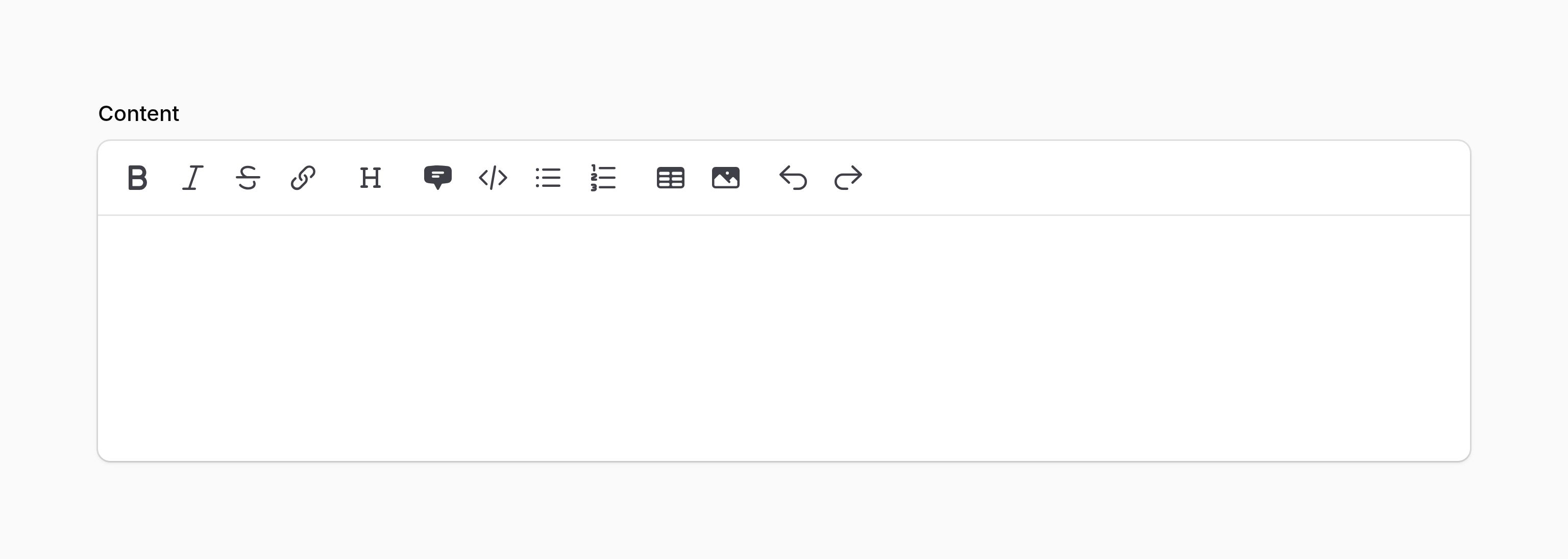
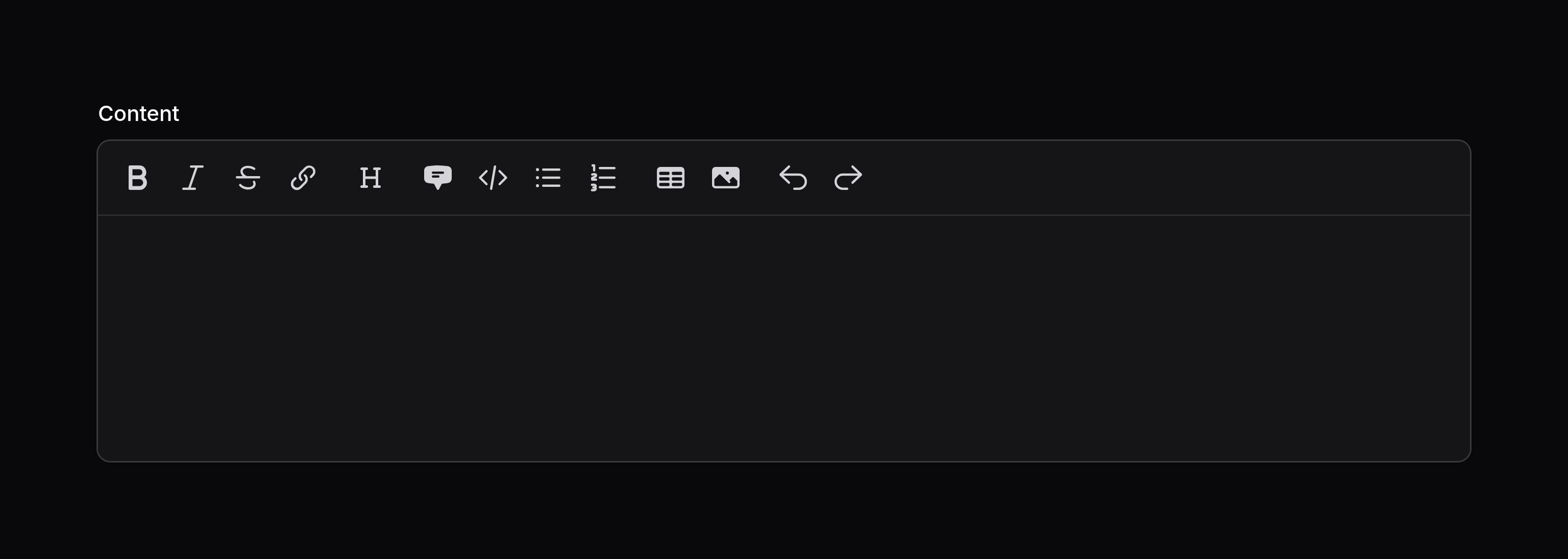
The markdown editor allows you to edit and preview markdown content, as well as upload images using drag and drop.
use Filament\Forms\Components\MarkdownEditor;

MarkdownEditor::make('content')
Security
By default, the editor outputs raw Markdown and HTML, and sends it to the backend. Attackers are able to intercept the value of the component and send a different raw HTML string to the backend. As such, it is important that when outputting the HTML from a Markdown editor, it is sanitized; otherwise your site may be exposed to Cross-Site Scripting (XSS) vulnerabilities.
When Filament outputs raw HTML from the database in components such as TextColumn and TextEntry, it sanitizes it to remove any dangerous JavaScript. However, if you are outputting the HTML from a Markdown editor in your own Blade view, this is your responsibility. One option is to use Filament’s sanitizeHtml() helper to do this, which is the same tool we use to sanitize HTML in the components mentioned above:
{!! str($record->content)->markdown()->sanitizeHtml() !!}
NOTE
Filament’s built-in HTML sanitizer permits inline style attributes in order to support rich text formatting features such as font colors, text highlighting, and image sizing. This means that CSS properties like background: url(...) or position: fixed will not be stripped from sanitized HTML. If your content comes from untrusted users, you should consider restricting the default configuration. See the security documentation for details on how to customize the sanitizer.
Customizing the toolbar buttons
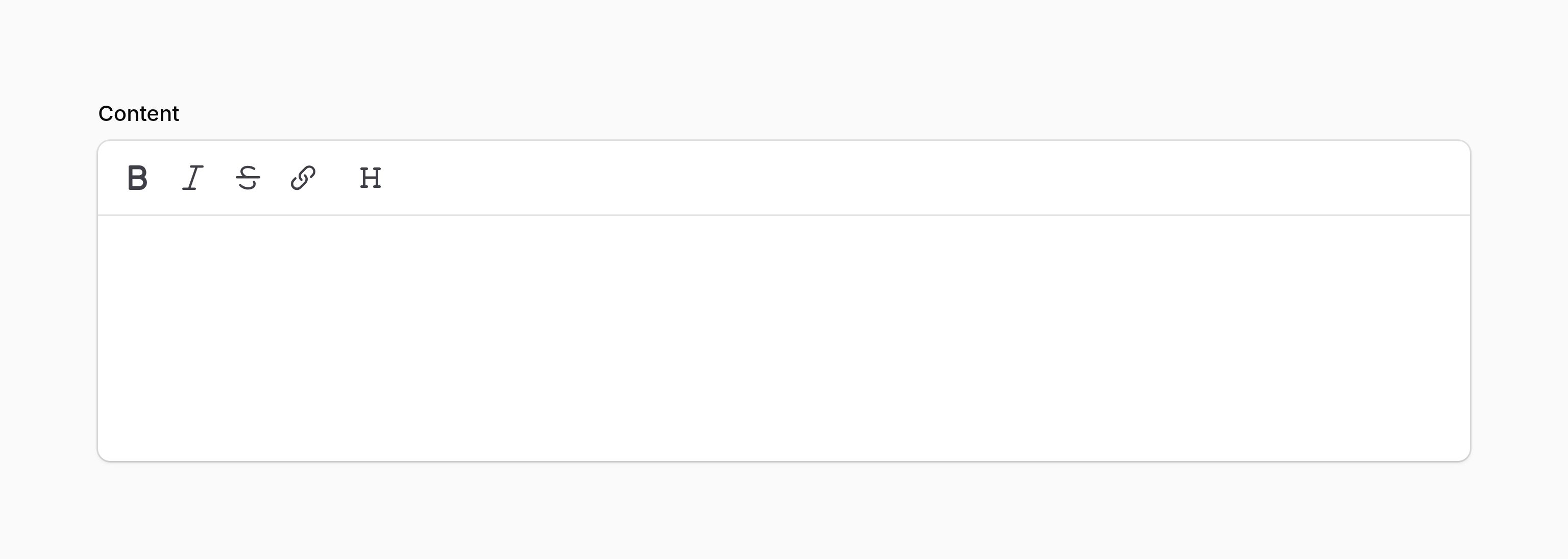
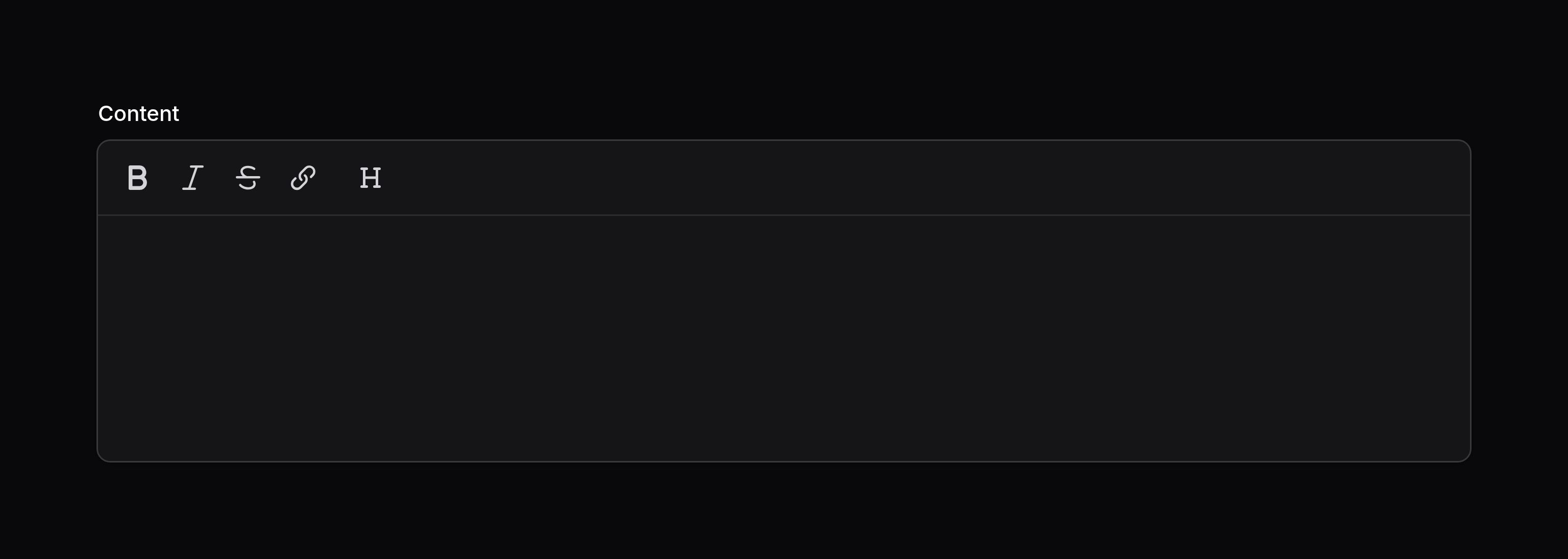
You may set the toolbar buttons for the editor using the toolbarButtons() method. The options shown here are the defaults:
use Filament\Forms\Components\MarkdownEditor;

MarkdownEditor::make('content')
    ->toolbarButtons([
        ['bold', 'italic', 'strike', 'link'],
        ['heading'],
        ['blockquote', 'codeBlock', 'bulletList', 'orderedList'],
        ['table', 'attachFiles'],
        ['undo', 'redo'],
    ])
Each nested array in the main array represents a group of buttons in the toolbar.
As well as allowing a static value, the toolbarButtons() method also accepts a function to dynamically calculate it. You can inject various utilities into the function as parameters.
Learn more about utility injection. | Utility | Type | Parameter | Description |
|---|---|---|---|
| Field | Filament\Forms\Components\Field | $component | The current field component instance. |
| Get function | Filament\Schemas\Components\Utilities\Get | $get | A function for retrieving values from the current form data. Validation is not run. |
| Livewire | Livewire\Component | $livewire | The Livewire component instance. |
| Eloquent model FQN | ?string<Illuminate\Database\Eloquent\Model> | $model | The Eloquent model FQN for the current schema. |
| Operation | string | $operation | The current operation being performed by the schema. Usually create, edit, or view. |
| Raw state | mixed | $rawState | The current value of the field, before state casts were applied. Validation is not run. |
| Eloquent record | ?Illuminate\Database\Eloquent\Model | $record | The Eloquent record for the current schema. |
| State | mixed | $state | The current value of the field. Validation is not run. |
Setting the height
You may control the editor’s height by defining the minHeight() and maxHeight() methods, which accept any CSS length value:
use Filament\Forms\Components\MarkdownEditor;

MarkdownEditor::make('content')
    ->minHeight('12rem')
    ->maxHeight('24rem')
The editor has a minimum height of 10rem by default. Once the content exceeds maxHeight(), the editor stops growing and becomes scrollable. Each method may be used on its own — minHeight() sets a starting height while still allowing the editor to grow, and maxHeight() caps how tall it may become. Pass null to minHeight() to use a 3rem minimum height for the interactive editor, or to maxHeight() to remove the cap. Disabled content uses its natural height when minHeight() is null. These constraints also apply when the editor is disabled.
As well as allowing static values, the minHeight() and maxHeight() methods also accept functions to dynamically calculate them. You can inject various utilities into the functions as parameters.
Learn more about utility injection. | Utility | Type | Parameter | Description |
|---|---|---|---|
| Field | Filament\Forms\Components\Field | $component | The current field component instance. |
| Get function | Filament\Schemas\Components\Utilities\Get | $get | A function for retrieving values from the current form data. Validation is not run. |
| Livewire | Livewire\Component | $livewire | The Livewire component instance. |
| Eloquent model FQN | ?string<Illuminate\Database\Eloquent\Model> | $model | The Eloquent model FQN for the current schema. |
| Operation | string | $operation | The current operation being performed by the schema. Usually create, edit, or view. |
| Raw state | mixed | $rawState | The current value of the field, before state casts were applied. Validation is not run. |
| Eloquent record | ?Illuminate\Database\Eloquent\Model | $record | The Eloquent record for the current schema. |
| State | mixed | $state | The current value of the field. Validation is not run. |
Uploading images to the editor
Images may be uploaded to the editor. They will always be uploaded to a publicly available URL with public storage permissions, since generating temporary file upload URLs is not supported in static content. You may customize where images are uploaded using configuration methods:
use Filament\Forms\Components\MarkdownEditor;

MarkdownEditor::make('content')
    ->fileAttachmentsDisk('s3')
    ->fileAttachmentsDirectory('attachments')
As well as allowing static values, the fileAttachmentsDisk() and fileAttachmentsDirectory() methods also accept functions to dynamically calculate them. You can inject various utilities into the function as parameters.
Learn more about utility injection. | Utility | Type | Parameter | Description |
|---|---|---|---|
| Field | Filament\Forms\Components\Field | $component | The current field component instance. |
| Get function | Filament\Schemas\Components\Utilities\Get | $get | A function for retrieving values from the current form data. Validation is not run. |
| Livewire | Livewire\Component | $livewire | The Livewire component instance. |
| Eloquent model FQN | ?string<Illuminate\Database\Eloquent\Model> | $model | The Eloquent model FQN for the current schema. |
| Operation | string | $operation | The current operation being performed by the schema. Usually create, edit, or view. |
| Raw state | mixed | $rawState | The current value of the field, before state casts were applied. Validation is not run. |
| Eloquent record | ?Illuminate\Database\Eloquent\Model | $record | The Eloquent record for the current schema. |
| State | mixed | $state | The current value of the field. Validation is not run. |
Validating uploaded images
You may use the fileAttachmentsAcceptedFileTypes() method to control a list of accepted mime types for uploaded images. By default, image/png, image/jpeg, image/gif, and image/webp are accepted:
use Filament\Forms\Components\MarkdownEditor;

MarkdownEditor::make('content')
    ->fileAttachmentsAcceptedFileTypes(['image/png', 'image/jpeg'])
You may use the fileAttachmentsMaxSize() method to control the maximum file size for uploaded images. The size is specified in kilobytes. By default, the maximum size is 12288 KB (12 MB):
use Filament\Forms\Components\MarkdownEditor;

MarkdownEditor::make('content')
    ->fileAttachmentsMaxSize(5120) // 5 MB
Still need help? Join our Discord community or open a GitHub discussion